
5 Best YouTube Video Dictation Tools to Save Your Time
William Davis | Updated on 2025-12-24
Watching a 20-minute YouTube video just to hunt down one specific quote is a massive soul-crushing time-suck. You’ve been there, right? Pausing every three seconds, typing like a caffeinated squirrel, and still missing half the context. Why do that to yourself when AI can do heavy lifting in seconds?
I’ve rounded up five of the absolute best YouTube video dictation tools that actually work. No fluff, just pure productivity.
Why You Need a Dedicated YouTube Video Dictation Tool Today
Think about how much content you consume. If you’re a student, a researcher, or a creator, you’re basically a professional information sponge. A solid dictation tool isn't just a "nice-to-have" it’s your secret weapon for repurposing content, creating blog posts, or just surviving a deep-dive research session without losing your mind. Ready to upgrade your workflow?
Top 5 YouTube Video Dictation Tools: My Honest Review
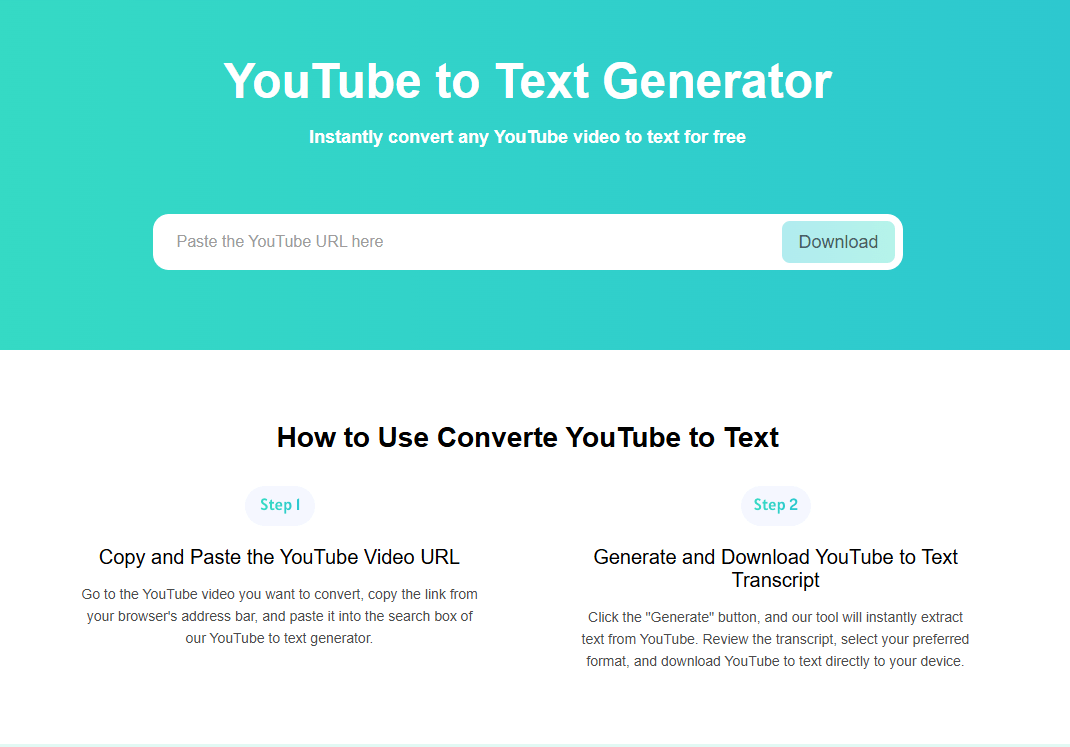
YTBdownload – The Quickest No-Fuss Solution
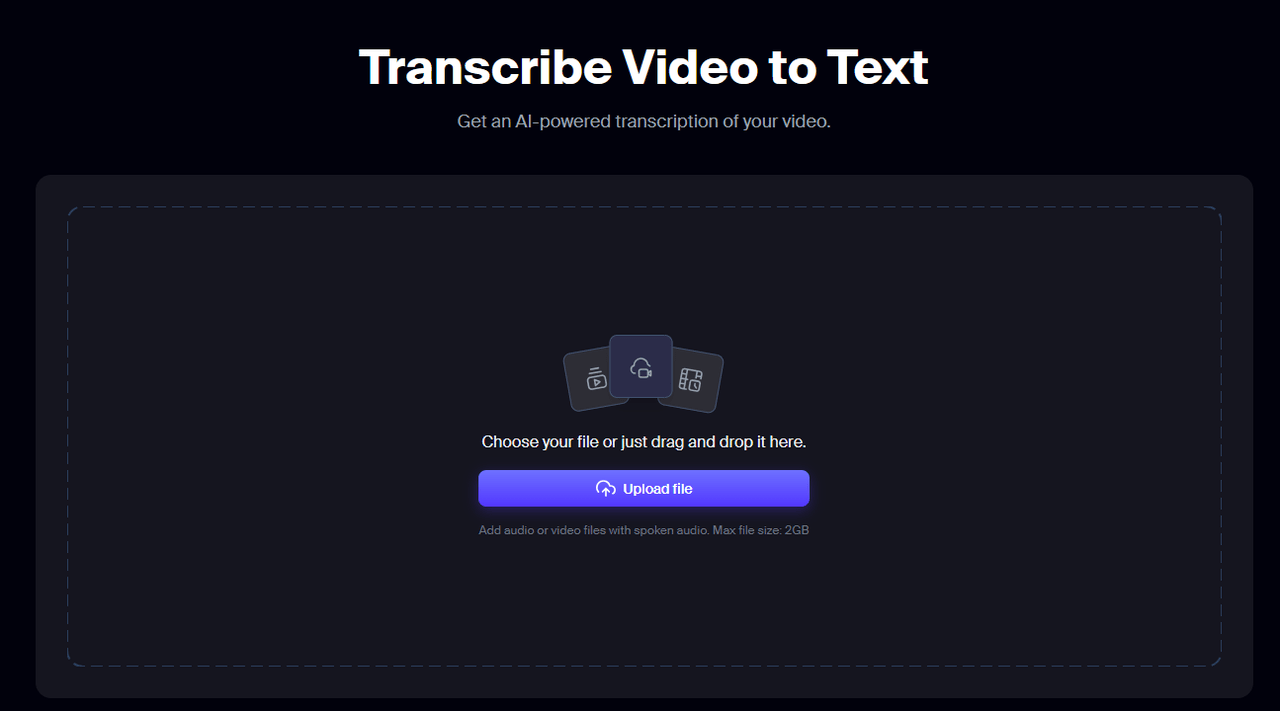
If you hate signing up for accounts just to do one simple task, YTBdownload is your new best friend. It’s a browser-based tool that does exactly what it says on the tin. It converts YouTube to text without asking for your life story or credit card.
What makes it stand out? It’s lean. You don’t need to install a 500MB software suite. You just paste your link and boom. Your transcript appears. It’s perfect for those "I need this text right now" moments. Plus, it supports multiple languages. That foreign video you’re watching? Yeah, it’s got you covered.
Uniscribe – Built for Accuracy and Precision
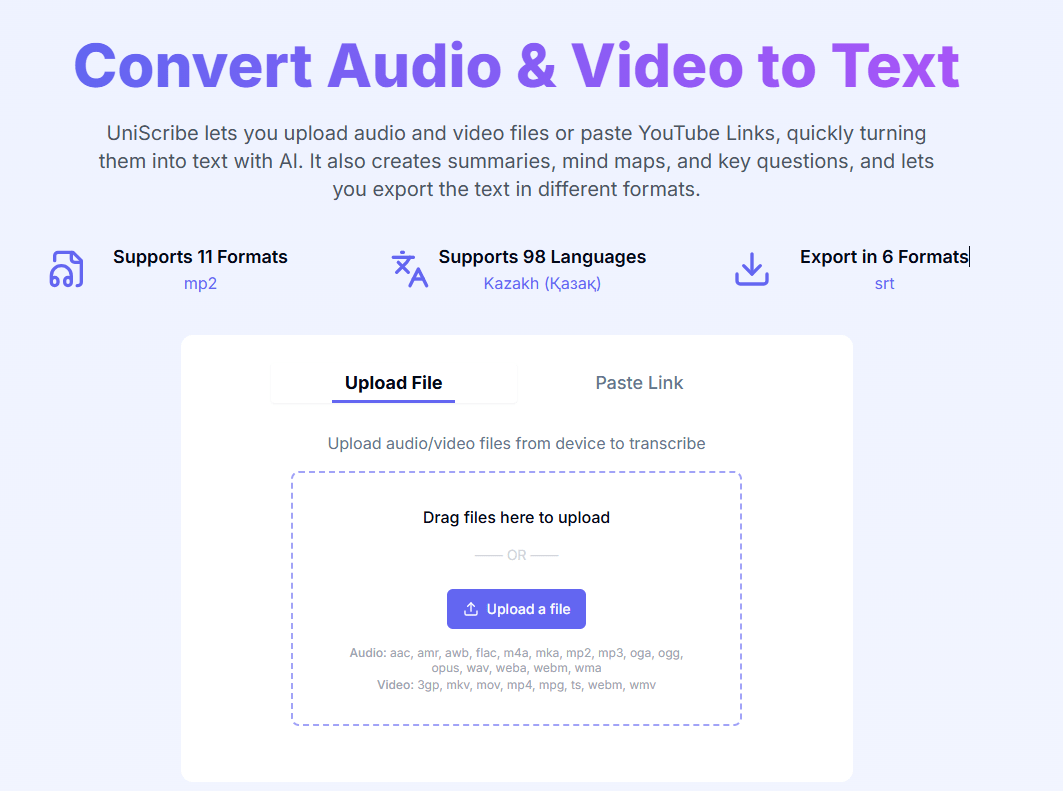
Accuracy is where most free tools fail, but Uniscribe plays in a different league. It uses an optimized AI model to ensure that what was said is actually what you get. No more weird "AI hallucinations" in your text.
But here’s the kicker. It doesn't just give you a wall of text. It generates AI-powered mind maps and summaries. Ever wished you could just see the "skeleton" of a video’s logic? Uniscribe does that. It’s ideal for journalists or students who need to turn a messy interview into a structured report without the headache.
Evernote – Best for Organizing Your Video Notes
Evernote is the note-taking giant that recently stepped up its game with AI Transcribe. If you’re already using Evernote to organize your life, this is a total game-changer.
You can drag a video file or simply paste a link directly into a note. The AI then transcribes it right there on the page. The best part? The text becomes fully searchable within your entire Evernote library. Imagine searching for a keyword and finding the exact moment it was mentioned in a video from six months ago. That’s the kind of organization that makes you feel like a genius.
Restream – Perfect for Creators and Live Streamers
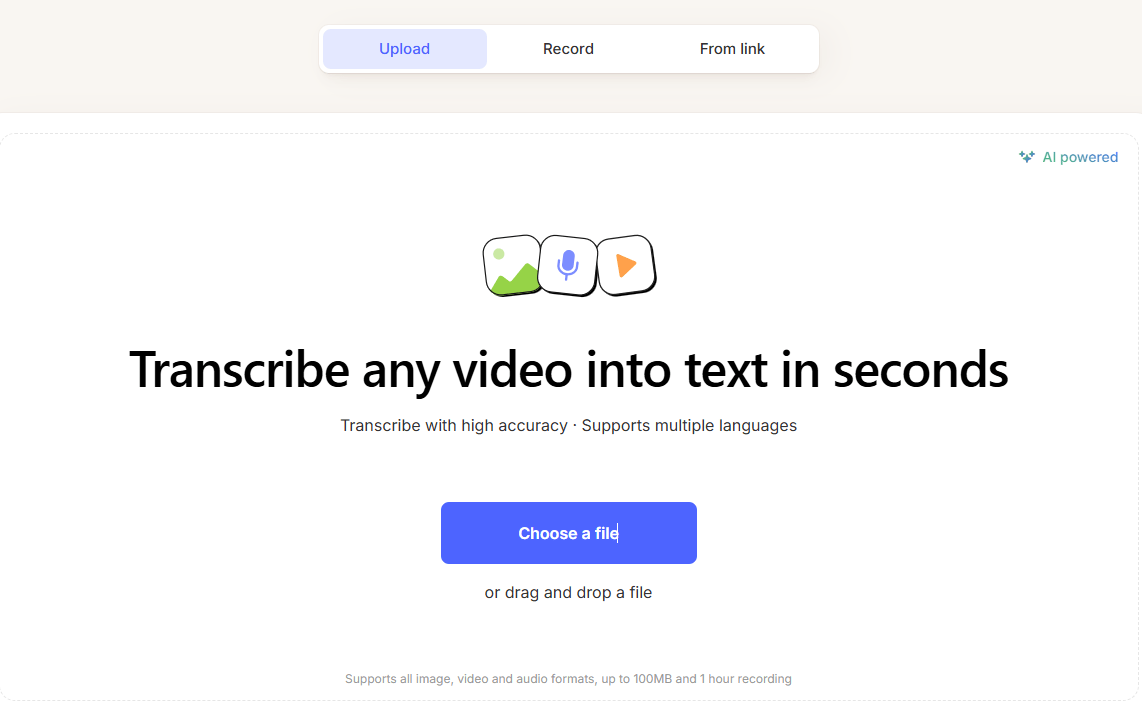
Mostly known for streaming, Restream offers a surprisingly powerful video-to-text tool. Why should you care? Because it’s built for speed and accessibility.
If you’re a creator, you know that captions are non-negotiable for reach. Restream allows you to upload a video and get a 99% accurate English transcript in minutes. It supports over 36 languages, making it a solid choice if you’re trying to go global. It’s simple, secure, and stays in the cloud so you don’t clog up your hard drive.
Descript – The All-in-One Powerhouse for Pros
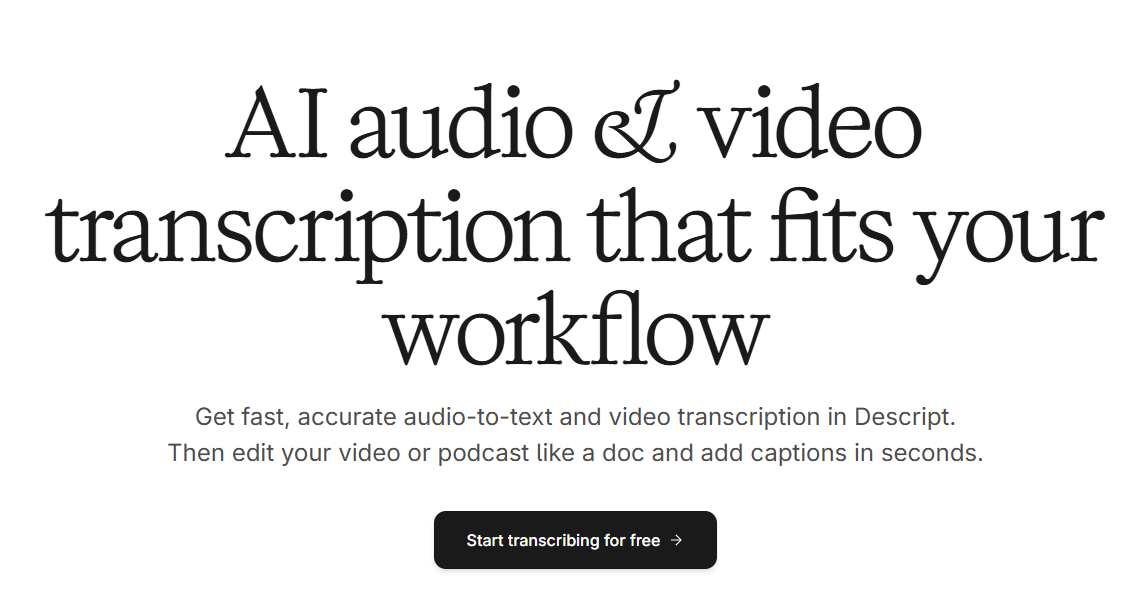
If the other tools are pocket knives, Descript is a laser-guided chainsaw. This isn't just a transcription tool. It’s a text-based video editor.
Get this. Once Descript transcribes your video, you can edit the video by editing the text. If the speaker said "uhm" too much, you just delete those words from the transcript and the video edits itself. It also has an "Overdub" feature that can clone your voice to fix mistakes. If you’re serious about content creation, this is the gold standard.
Bonus: Meet BeeConverter – Your All-in-One Video Fixer
Wait. What if your video is in a weird format that your transcription tool won't accept? Or what if the file is so massive it takes an hour to upload? That’s where BeeConverter saves the day.
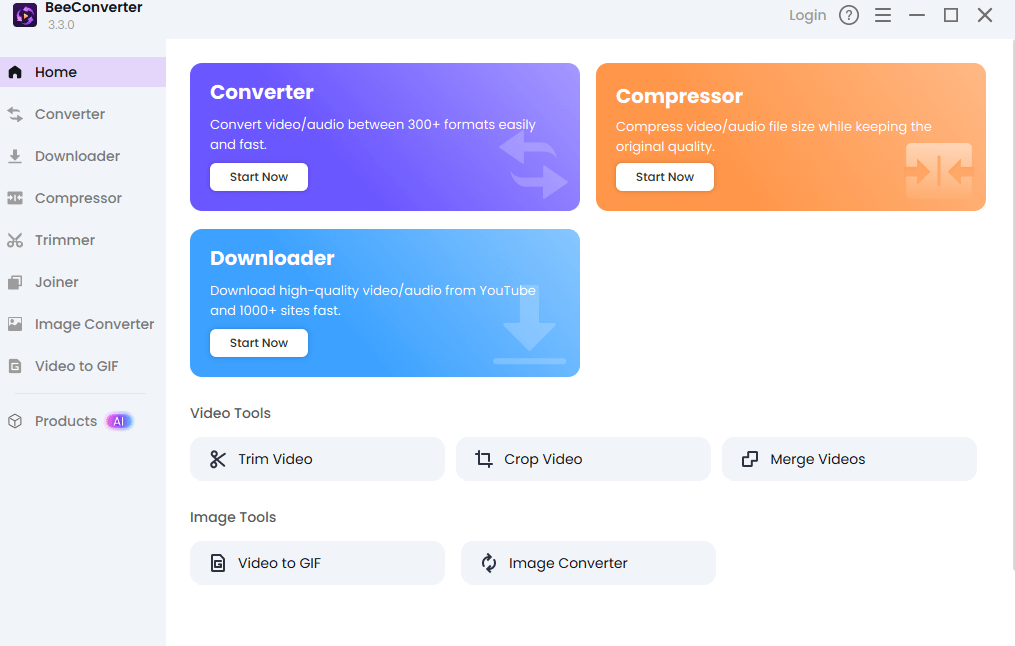
This isn't just a sidekick; it’s a powerhouse. BeeConverter lets you convert video formats in a flash, ensuring compatibility with any platform. Need to trim out the boring 5-minute intro before transcribing? Use its cutting tool. Running out of storage? Its compression feature shrinks file sizes without turning your video into a pixelated mess. It’s the perfect prep-tool before you hit that "transcribe" button.
How to Choose the Right Tool for Your Workflow?
Still undecided? Ask yourself if you are just grabbing a quote or building a project. If you need speed, go with YTBdownload. If you need structure, Uniscribe is the winner. Already an Evernote user? Don't look elsewhere. Editing a podcast? Descript is worth every penny.
Frequently Asked Questions
1. How accurate are these YouTube dictation tools? Most modern AI tools like YTBdownload and Uniscribe hit about 95% to 99% accuracy for clear English audio. However, heavy accents or loud background noise can still cause a few hiccups.
2. Can I transcribe a YouTube video for free? Absolutely. Tools like YTBdownload and Restream offer free tiers or single-use options. Even Descript has a basic free plan to get you started.
3. Do these tools support languages other than English? Yes. Most of the tools on this list, especially YTBdownload and Restream, support dozens of languages including Spanish, French, Chinese, and more.
4. Is it legal to transcribe someone else's YouTube video? For personal use, research, or fair use criticism, it’s generally fine. However, if you plan to republish the entire transcript as your own content, you’re stepping into a copyright minefield. Always give credit.
5. Do I need to download software to use these? Not necessarily. YTBdownload and Restream are entirely web-based. Descript and Evernote offer apps for a smoother experience, but many features work right in your browser.