
All-In-One Downloader
4.9, 1.8K Ratings
- • Batch download all videos in one go
- • Download 320kbps MP3 & HD MP4
- • 5X faster download speed than Online
- • Download from 1,000+ streaming sites
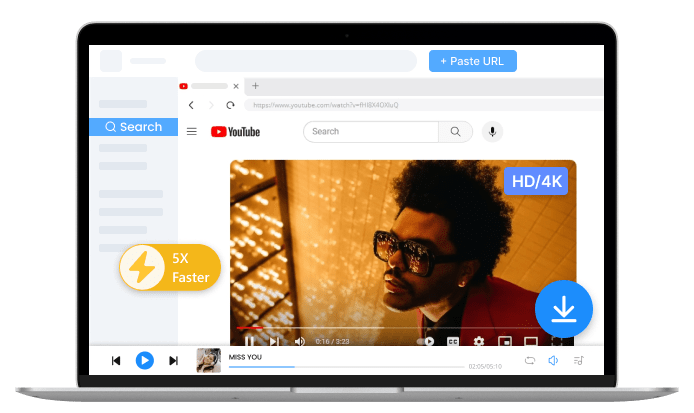
How to Convert Link to Video?
-
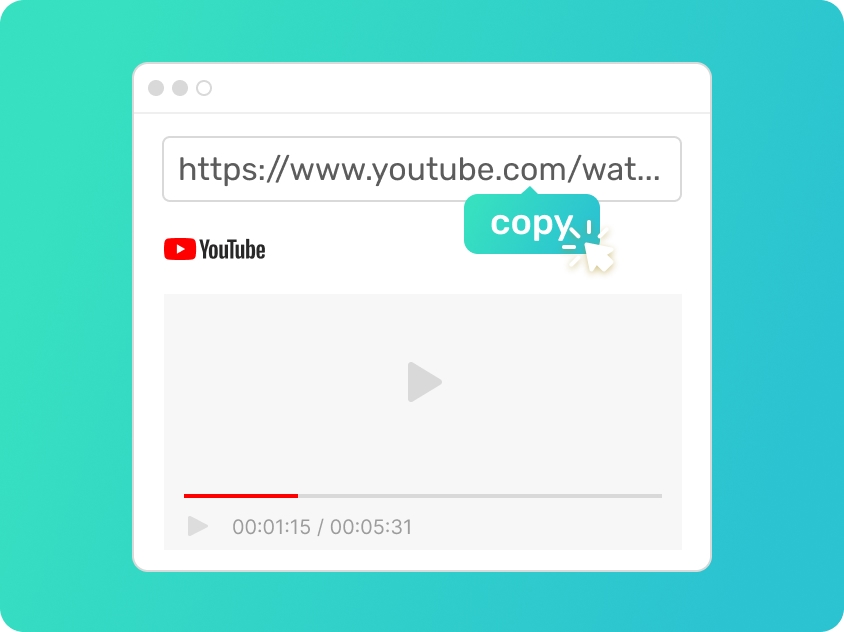
Step 1. Copy Your Video's Link
Find the video you wish to save from the Internet and copy its link from the address bar. If you forget the link, you can also search by keywords.
-
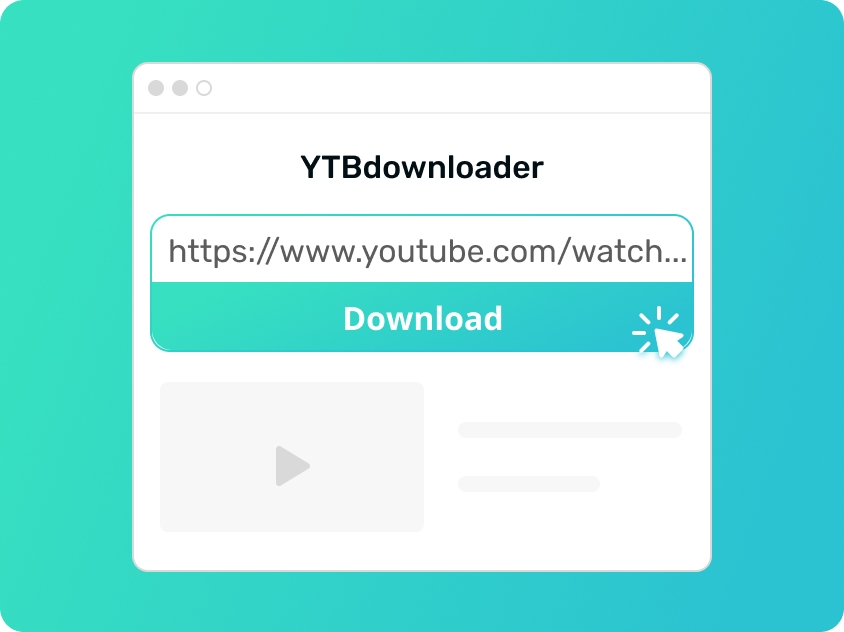
Step 2. Paste the Link to Converter
Paste the link into online MP4 converter search box or enter keywords, then hit the search button. We will soon show you all the search results.
-
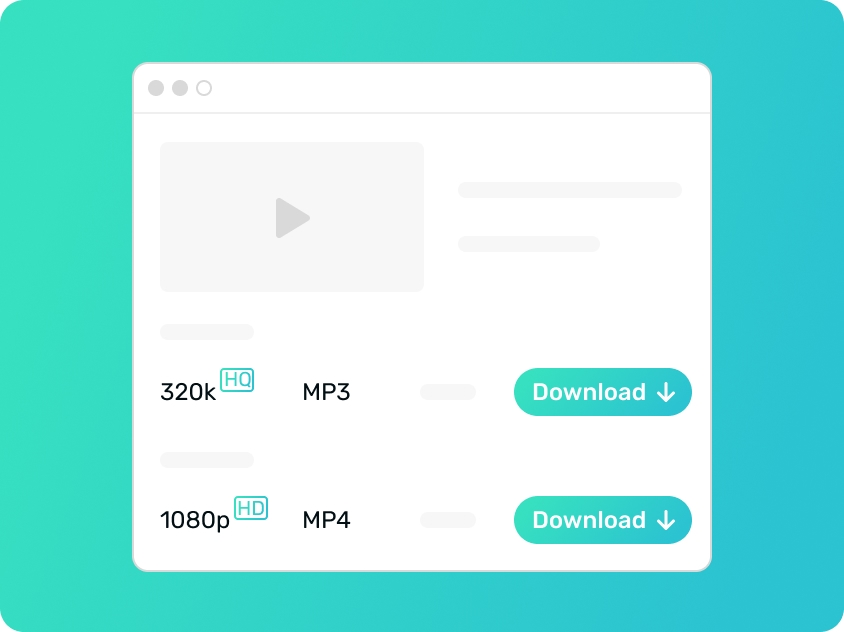
Step 3. Choose Quality & Convert
Hit the download button to select your desired video, and pick a quality you want. Click "download" beside it to convert video to MP4.
Step 1. Copy Your Video's Link
Find the video you wish to save from the Internet and copy its link from the address bar. If you forget the link, you can also search by keywords.
Step 2. Paste the Link to Converter
Paste the link into online MP4 converter search box or enter keywords, then hit the search button. We will soon show you all the search results.
Step 3. Choose Quality & Convert
Hit the download button to select your desired video, and pick a quality you want. Click "download" beside it to convert video to MP4.
More Online Tools You May Like
-
M4A to TXT Converter
Effortlessly transcribing your M4A audio files into structured text documents. M4A to TXT converter is designed to process voice memos, interviews, or recordings and turn them into clear TXT files, making it easy to organize your spoken content into written data.
-
AI YouTube Title Generator
Struggling with the perfect headline? Simply enter your ideas or core keywords, and our AI-powered YouTube Title Generator will generate a variety of catchy YouTube titles. These suggestions are optimized to grab attention and help your content stand out in a crowded feed.
-
Transcribe Audio to Text
Convert any audio recording into professional-grade text with high precision. Whether you’re working with podcasts, lectures, or business meetings, Audio to text transcriber helps you capture every detail and transform your sound files into editable transcripts.
Key Benefits of Link to Video Converter
-
Seamless Links to Video Conversion
Our link to video converter makes it incredibly easy to process content. Simply enter a video URL or specific keywords, and our system will provide a list of results. From there, you can choose your preferred video quality or even convert link to video directly into an MP3 audio file.
-
Lightning-Fast Processing and Download Speed
Speed is at the core of our service. Our online link to video converter ensures that the time to convert link to video is minimal. Once the file is ready, the high-speed download process allows you to save your link to video convert file instantly without any waiting.
-
Completely Free Link Converter
We offer a transparent and free link converter accessible to all users worldwide. You can convert link to video free of charge, accessing professional-grade media processing without any hidden fees, recurring subscriptions, or the need to provide credit card information.
-
Universal Browser Compatibility
Our link to video converter is fully optimized to work across all modern platforms and browsers. Whether you are using Chrome, Safari, or Firefox on a Windows PC, a Mac, or a mobile smartphone, you can convert link to video seamlessly without installing any additional plugins or software.
Why Our Tool Stands Out
-
Ad-Free Environment
Enjoy a clean workspace. Our online link to video converter is free from intrusive pop-ups and distracting advertisements, ensuring a smooth experience every time you convert link to video.
-
No Registration Required
You can use our tools without logging in or registering. Use this free link converter anonymously to convert link to video free without sharing any personal data or creating an account.
-
Safe and Virus-Free
Your security is guaranteed. Every link to video processed through our system is scanned for threats, providing a secure environment to convert link to video without risking your device’s health.
Online vs. Pro: Choose the Best Way to Convert
Free Link to Video Converter
Standard Audio Bitrate
Supports up to 128kbps MP3, ideal for casual listening on mobile devices or standard headphones.
Basic Video Quality
Access videos in 480p resolution. Good for quick offline viewing without consuming much storage.
Manual Single Fetching
Convert and download tracks one by one. You’ll need to manually paste URLs for every song in a playlist.
Standard Web Speed
Speeds are dependent on browser performance and shared server bandwidth for free users.
Try It NowPro Video Converter
Hi-Fi Audio Fidelity
Unlock 320kbps high-quality MP3 for a crystal-clear, studio-grade listening experience that music purists love.
Stunning 4K & 1080p Video
Convert link to video in Full HD or 4K. Enjoy breathtaking visuals alongside your high-res audio.
Efficient Batch Processing
Convert entire playlists with a single click. No more repetitive pasting, perfect for building a massive collection.
5X Turbo Speed
Experience 500% faster conversion with multi-thread technology. Convert link to video and audio in seconds.
Download NowSpecific YouTube Tools You May Need
- YouTube Converter
- YouTube to MP3
- YouTube to MP4
- YouTube Playlist Converter
- YouTube Shorts Converter
- YouTube Music Converter
- YouTube Link Converter
- YouTube Music to MP3
YouTube Media Extraction Tools for You
Frequently Asked Questions
-
How does link to video work?
Our link to video converter uses an advanced extraction engine to process URLs. You simply paste your source, and the tool will fetch the media data, allowing you to convert link to video in your chosen resolution and format within seconds.
-
Can I convert link to video without watermark?
Yes, our free link converter ensures that your output remains clean and professional. When you convert link to video free using our platform, we do not add any intrusive watermarks, preserving the original visual quality of the source.
-
Can I convert streaming video on my phone?
Absolutely. This online link to video converter is fully optimized for mobile browsers on both iOS and Android. You can convert link to video directly on your smartphone without needing any desktop software or additional mobile applications.
-
Is it safe to use link to video converters?
Your privacy is our top priority. This link to video converter utilizes SSL encryption to protect your connection, and we never store your personal data or processed files. It is a secure way to convert link to video free while keeping your device and information safe.
Rate Us Now!
If you like our link to video converter, please give us 5 stars.
reviews
Last updated: 2026-04-02