
Best Online YouTube Trimmer Tools 2025: Clip Videos FREE
William Davis | Updated on 2025-12-03
You find the perfect YouTube video, maybe it’s a quick, actionable tip, a hilarious viral clip, or an essential soundbite, but you only need a small, perfect segment of it. Are you seriously going to waste time downloading the entire file, install clunky desktop editing software, just to cut out a tiny segment? The answer is a definitive NO! That’s precisely where the magic of a top-tier online YouTube trimmer comes in. These web-based tools are absolute lifesavers, allowing you to instantly clip YouTube video segments and save only the part you want, without sacrificing your storage or navigating confusing interfaces. They are the epitome of efficiency, perfect for quickly grabbing that crucial piece of content you need for a presentation, a social media post, or just to share. We’re diving deep into the absolute best YouTube video trimmer options available right now, comparing features, highlighting their strengths, and showing you exactly how to use these YouTube cutter tools to create your perfect clip in mere moments. Get ready to master the art of flawless snip!
The Top 4 Online YouTube Trimmer Tools You Must Try
When it comes to cutting down YouTube videos, you need tools that are not only fast and reliable but also offer the utmost in user-friendliness. We’ve meticulously tested and curated the top four YouTube trimmers that consistently deliver high-quality results. Forget complicated, paid programs; these tools make clipping a video as easy as copying and pasting a link, ensuring you have the best online YouTube clipper experience.
YTBdownload: The Versatile YouTube to MP4 Trimmer
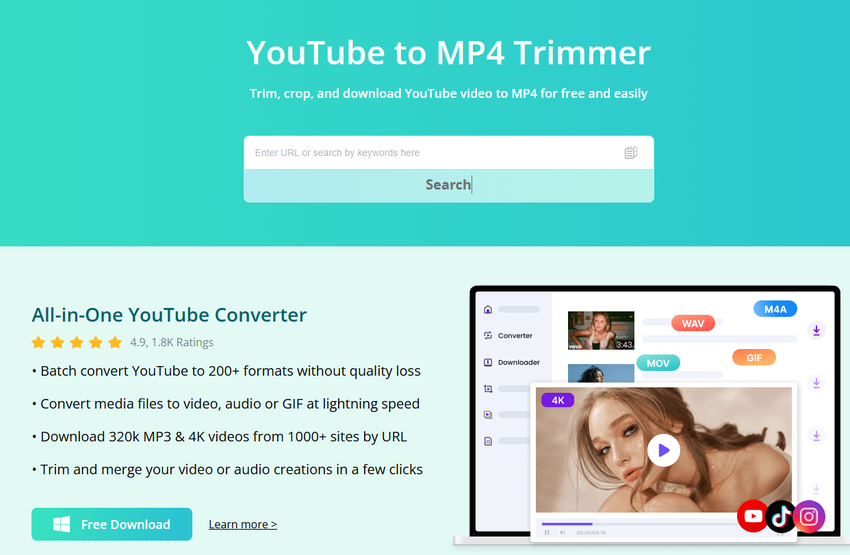
If simplicity coupled with compatibility is your non-negotiable requirement, YTBdownload is an exceptionally powerful candidate. It’s an excellent YouTube clip cutter because it laser-focuses on the fundamental goal: delivering a perfectly trimmed clip in the universally supported MP4 format. This dedicated YouTube cutter tool feels intentionally designed for speed and direct results, making the process of cutting a video segment feel nearly instantaneous.
• Key Features:
- Guaranteed MP4 Output: Ensures maximum playback compatibility across virtually all devices and platforms.
- Simplicity Mastered: The interface is incredibly clean, focusing strictly on the core trimming functionality.
- High-Speed Processing: Clips are often processed and ready in a flash, especially for shorter video segments.
• Pros & Cons:
- Pros: Exceptional trimming speed; the go-to choice for guaranteed MP4 output; no account creation or signup required.
- Cons: Limited file format options; the basic interface might lack features for power users.
YouTubeTrimmer: The Classic, Shareable Video Trimmer
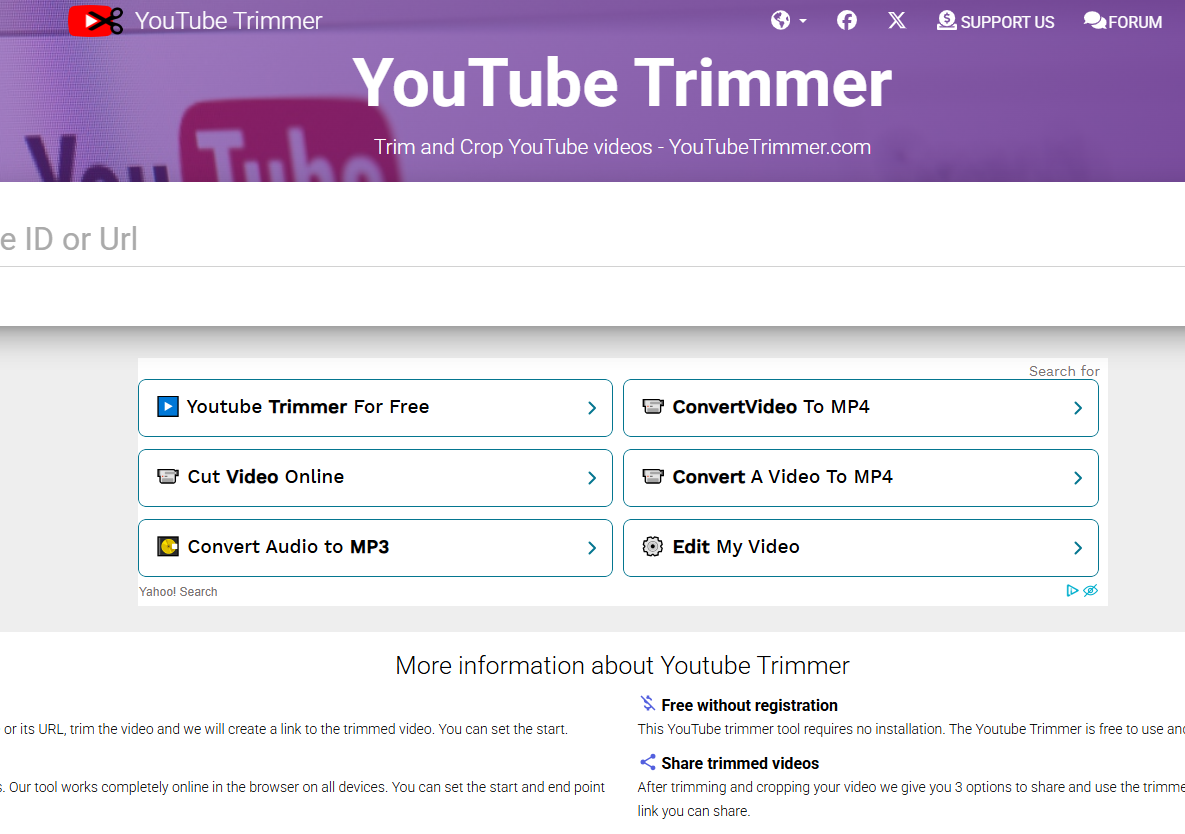
The name says it all. YouTubeTrimmer is an established, widely recognized online YouTube clipper renowned for its incredibly intuitive user journey. What truly sets this tool apart is its unique focus on sharing the trimmed video directly via a customized, unique link. This makes it a fantastic choice for educators, marketing teams, or anyone who wants to ensure their audience only consumes the exact, specific segment they intended.
• Key Features:
- Custom Shareable Link: Creates a new, trimmed version of the video URL to send to others.
- Frame-Accurate Cutting: Provides precise control over your clip's boundaries, ensuring your segment starts and ends exactly where you want it.
- Integrated Viewer: Allows you to preview your exact trim within the interface before committing to sharing.
• Pros & Cons:
- Pros: Ideal for educational or professional sharing; exceptionally user-friendly interface; offers frame-by-frame precision.
- Cons: Primarily focuses on linking, not direct file downloads; features are limited beyond basic clipping.
Flixier: The Professional Online YouTube Video Trimmer with Extra Polish
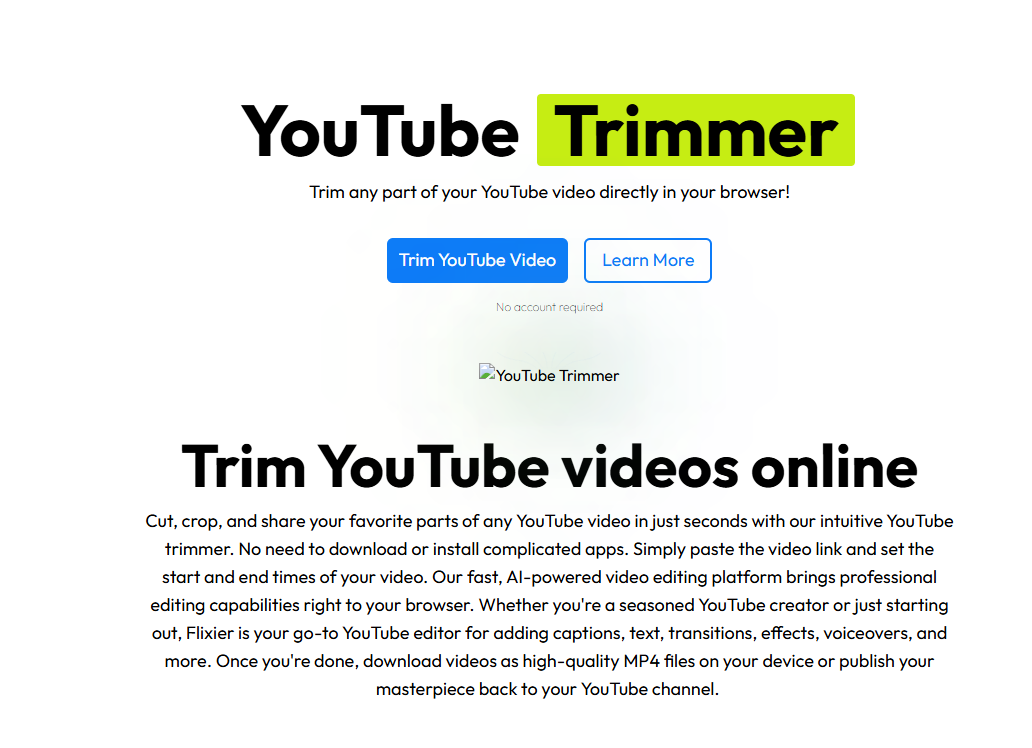
Flixier isn't just a simple YouTube video cutter; it operates as a full-featured, cloud-based video editing powerhouse that just happens to include a brilliant, dedicated YouTube trimming function. If your project demands slightly more than a single cut—say, you need to add text overlays, merge two distinct clips, or apply a quick filter—Flixier should be your weapon of choice. It effectively brings a sleek, professional editing suite into your web browser, arguably making it one of the most robust online YouTube trimmers available today.
• Key Features:
- Full Timeline Editing: Provides a dedicated timeline for precise, non-linear editing and manipulation.
- Seamless Cloud Integration: Connects instantly with services like Google Drive, Dropbox, and, crucially, YouTube.
- Multi-Purpose Functionality: Allows users to do far more than just trim YouTube video clips, including adding titles, transitions, and external audio tracks.
• Pros & Cons:
- Pros: Feature-rich, offering professional-grade editing online; excellent for complex cuts and detailed edits; supports high-quality output.
- Cons: The extensive feature set may initially overwhelm users who only need a quick snip; a free account is needed to save and export clips.
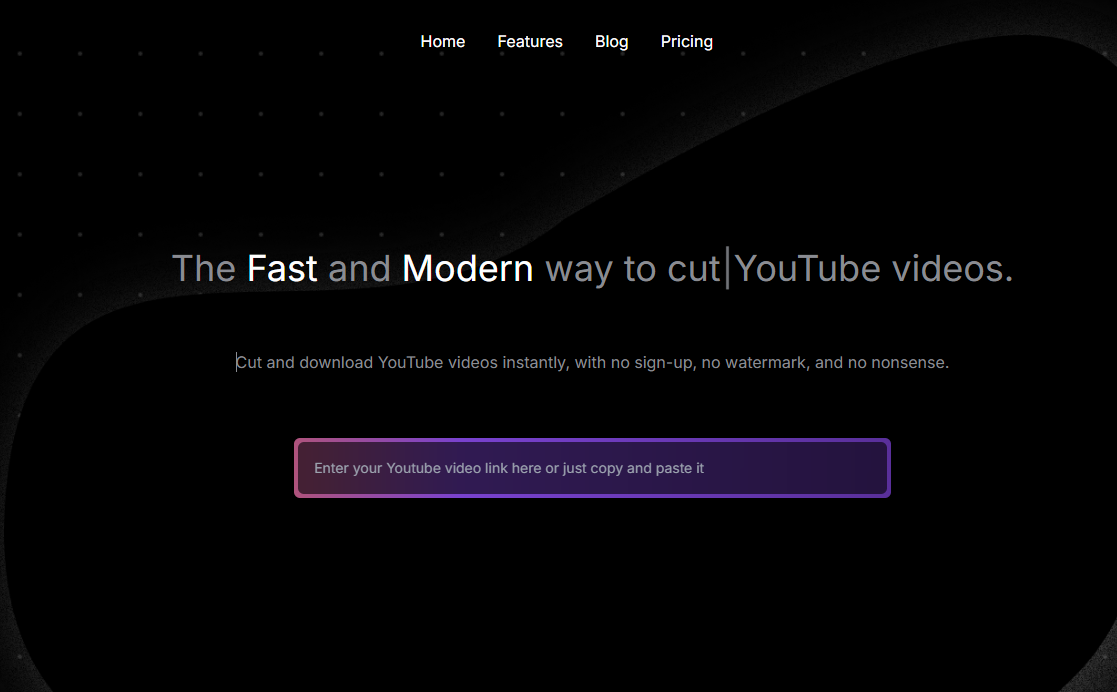
Slicetube.io: The Quick and Easy YouTube Clipper
Slicetube.io brilliantly lives up to its fast-action name by providing a lightning-fast, slick way to "slice" your favorite YouTube moments. This YouTube clipper tool is explicitly engineered for maximum efficiency and speed, perfect for those moments when you need a clip right now and simply don’t have time to wade through unnecessary settings. It’s an incredibly lean and effective online YouTube trimmer that excels at its singular task.
• Key Features:
- Extreme Simplicity: Features a minimalist interface that guarantees a friction-free and rapid workflow.
- Rapid Download Focus: The site's primary mission is to get the processed, trimmed video file into your hands as quickly as possible.
- Optimized for Mobile: Works flawlessly on all mobile browsers, establishing it as a fantastic, reliable, on-the-go YouTube cutter.
• Pros &Cons:
- Pros: Lightning-fast processing speeds; ultra-simple, clutter-free user interface; consistent performance across all devices.
- Cons: Minimalist design means zero extra editing features; output file options are quite limited.
BONUS Recommendation: For Power Users – BeeConverter
Wait a minute, what if you need much more than just a quick snip? What if your workflow requires you to trim YouTube video segments, then convert the output to a legacy format for an older device, and finally compress the file size to email it efficiently? An online YouTube trimmer is fantastic for rapid cuts, but for these heavy-duty tasks, you require the stability and features of a dedicated desktop application.
This is where a solution like BeeConverter truly shines. While it’s technically not an online YouTube clipper, we strongly recommend it for any serious content professional or media manager. Consider it your indispensable digital Swiss Army knife.
Why BeeConverter? Going Beyond Simple Clipping
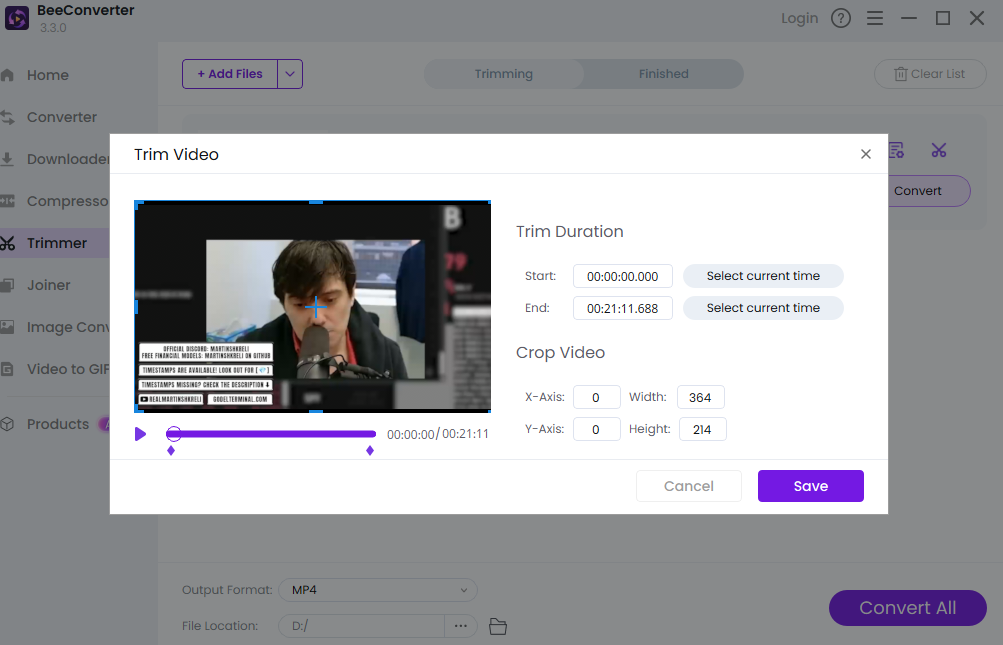
BeeConverter is far more than just a powerful YouTube cutter; it’s a comprehensive video processing suite. You gain full, granular control over your media, which is absolutely critical when navigating complex content projects.
• Core Features: Precision Trimming, Universal Converting, and Smart Compressing:
- Precision Trimming: It offers a robust, dedicated timeline editor that provides professional, frame-by-frame accuracy, surpassing the capabilities of most basic online YouTube trimmers.
- Universal Conversion: Do you need your final clip to be in a highly specific MOV, AVI, or even a proprietary device preset? BeeConverter masterfully handles hundreds of format types, making format conversion seamless and reliable.
- Powerful Compression: Need to drastically reduce the size of a huge video file without compromising visual quality? Its smart compression feature is non-negotiable for email attachments, web uploads, or platforms with strict size limitations.
When the functionality of your favorite online YouTube trimmer hits a ceiling, BeeConverter steps up, offering industrial-strength features that make it an indispensable investment for anyone working regularly with video media.
Conclusion & Mastering Your Next YouTube Clip
So, there you have it—four exceptional online YouTube trimmer tools, plus a highly valuable desktop alternative for those moments when basic simplicity just isn't enough. Choosing the right YouTube video cutter truly boils down to aligning the tool's core strength with your specific content goals.
• For a blazing fast, reliable MP4 file download, YTBdownload is your highly dependable pick.
• If your primary goal is sharing a precisely clipped section without requiring a download, YouTubeTrimmer offers the perfect solution.
• If you need a professional, versatile editing suite accessible right in your browser, look no further than the robust power of Flixier.
• And if maximizing speed and ease-of-use is your absolute top priority, you will fall in love with Slicetube.io.
Stop wasting valuable time downloading and deleting entire videos just to capture a quick, perfect snip. The instantaneous power of the online YouTube clipper is ready and waiting for you. Dive in, try a few, and permanently revolutionize the efficiency of your YouTube content handling. Now that you're armed with this expert knowledge, which essential YouTube trimmer tool will you master first?