
What Tools Do YouTubers Use? The Top Creator Stack for 2026
William Davis | Updated on 2026-03-12
Starting a YouTube channel in 2026 isn't just about having a "good idea." It’s about having a digital toolkit that actually works as hard as you do. Have you seen those creators who pump out cinematic masterpieces every few days? They aren't wizards. They just stopped fighting clunky software and started using tools that do the heavy lifting. Whether you’re a gaming legend in the making or a lifestyle vlogger, your success is tied to your workflow. So, what tools do YouTubers use to stay ahead? Let’s break down the essential kit that turns your "maybe one day" into "uploading now."
Contents
YTBdownload: The Genius Hub for Smart Creators
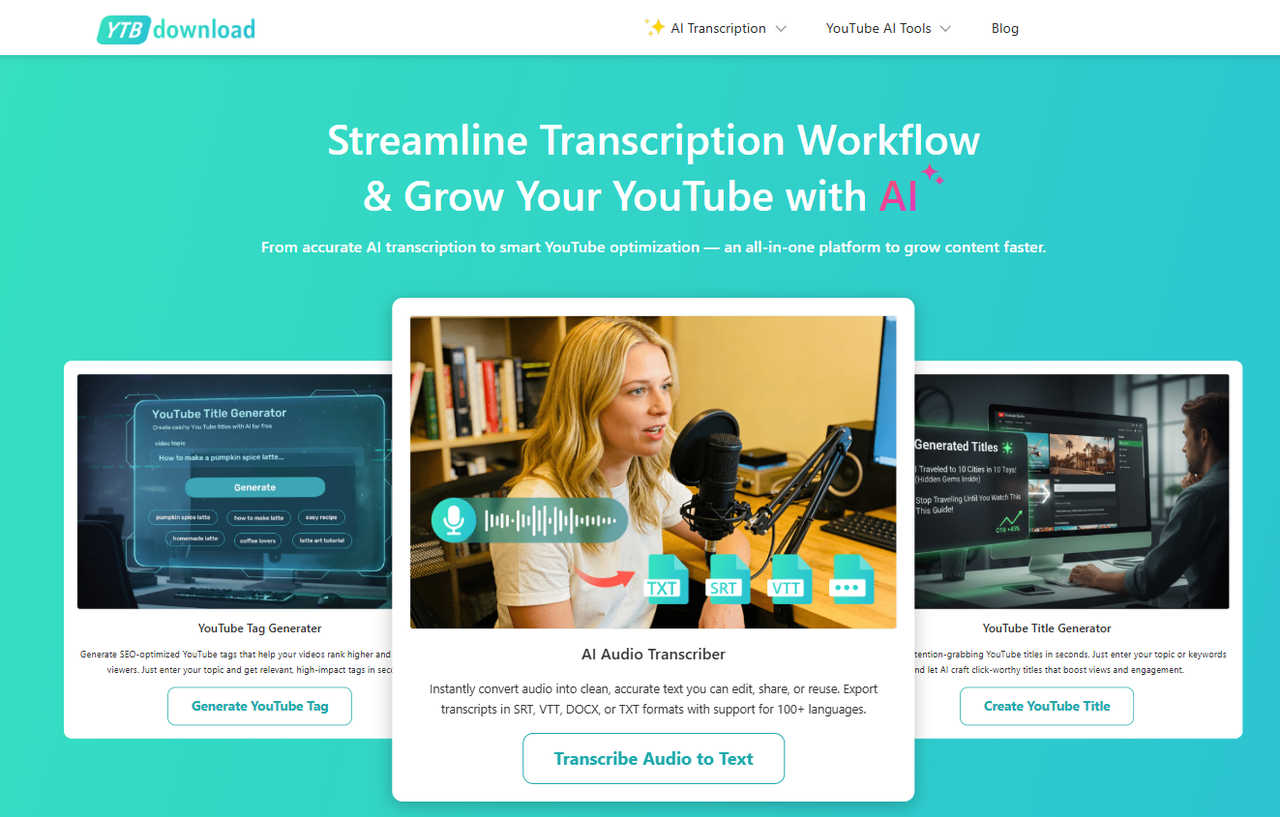
Before you ever hit record, you need a game plan. YTBdownload is a secret weapon for channel strategy. Ever stared at a blinking cursor trying to think of a name? Their YouTube name generator is a lifesaver. It doesn't just spit out random words. It helps you find a brandable identity that actually sticks in people’s heads.
The real magic happens after you have a concept. Their YouTube title generator uses the latest trends to help you craft hooks that people actually want to click. And if you’re doing research? The audio to text tool is a godsend. You can pull the script from any successful video in your niche, analyze why it works, and build your own masterpiece. It’s like having a backstage pass to the entire platform.
OBS Studio: The Gold Standard for Recording
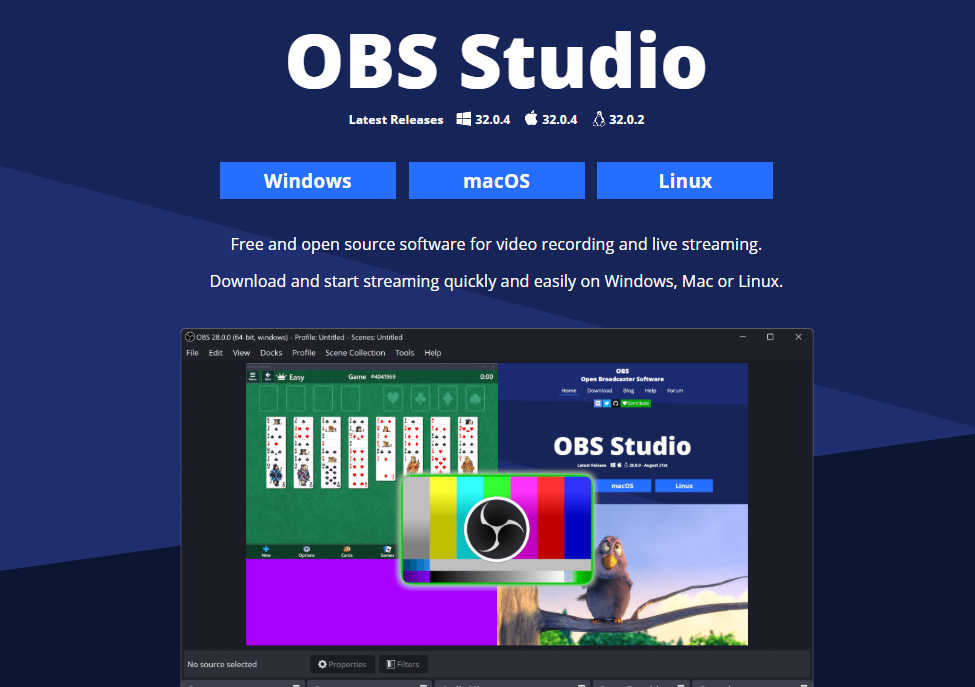
If you aren't using OBS Studio, what are you even doing? Look, it’s the undisputed king for a reason. It’s free, it’s open-source, and it’s what the big players use for everything from high-stakes livestreams to simple screen captures. It might look intimidating at first (like the cockpit of a fighter jet), but once you set up your scenes and sources, it’s bulletproof. Want to overlay your webcam on a game? Done. Want to record multiple audio tracks so you can turn down your loud friends later? Easy. It’s the ultimate bridge between your hardware and your audience.
Shotcut: Professional Editing Without the Price Tag
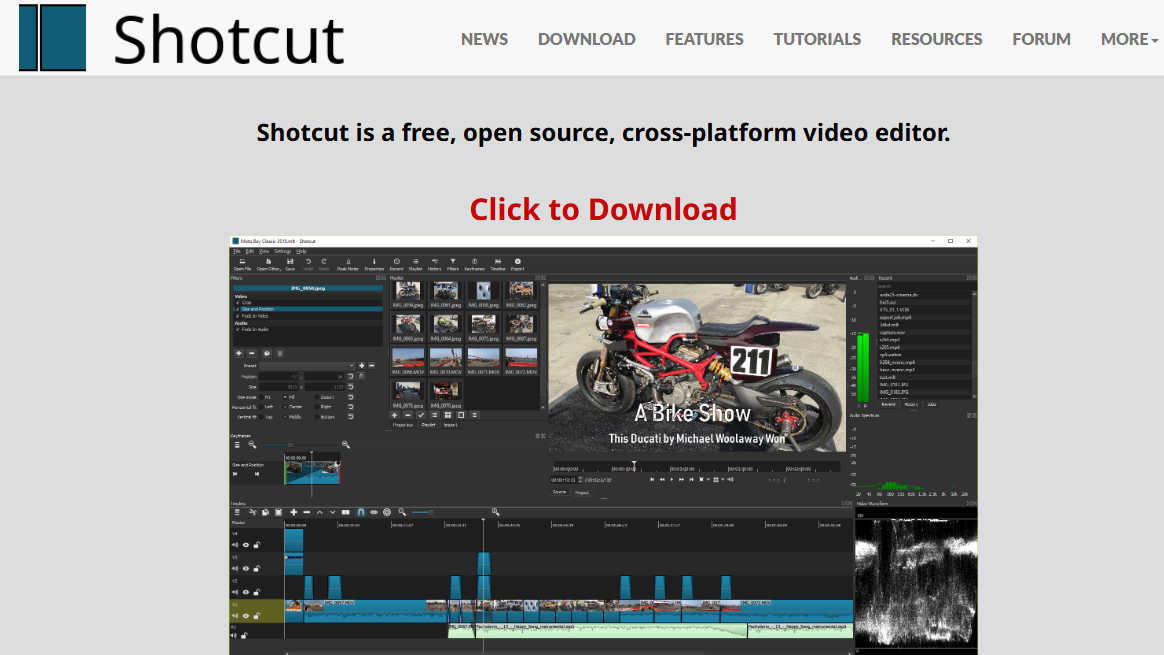
You don’t need to sell a kidney for a monthly subscription to fancy editing software. Shotcut is the "quiet achiever" of the video world. It’s a free, cross-platform editor that handles 4K video like a champ. What I love about Shotcut is that it doesn't treat you like a beginner. It gives you a clean timeline, a massive range of filters, and the flexibility to edit however you want. It’s perfect for those who want "pro" features—like color grading and advanced transitions—without the "pro" price tag of zero dollars.
Coolo.ai: Surgical Precision for Your Audio
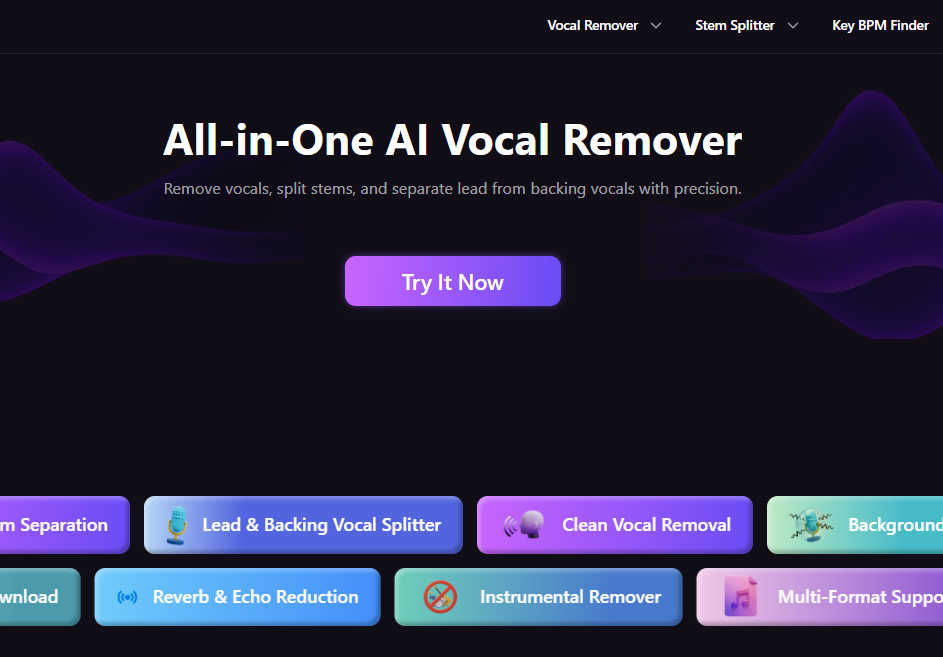
Bad audio kills good videos. You can have 8K visuals, but if your voice sounds like it’s coming from the bottom of a trash can, people will leave. Use Coolo.ai, it is an AI-powered professional stem splitting tool for your sound. Imagine you have a clip with a great interview but there’s loud music in the background. Coolo.ai can strip those apart, giving you clean vocals on one track and the background noise on another. It’s like un-baking a cake. If you’re serious about sound design, this is non-negotiable.
CapCut: The AI Powerhouse for Fast Edits
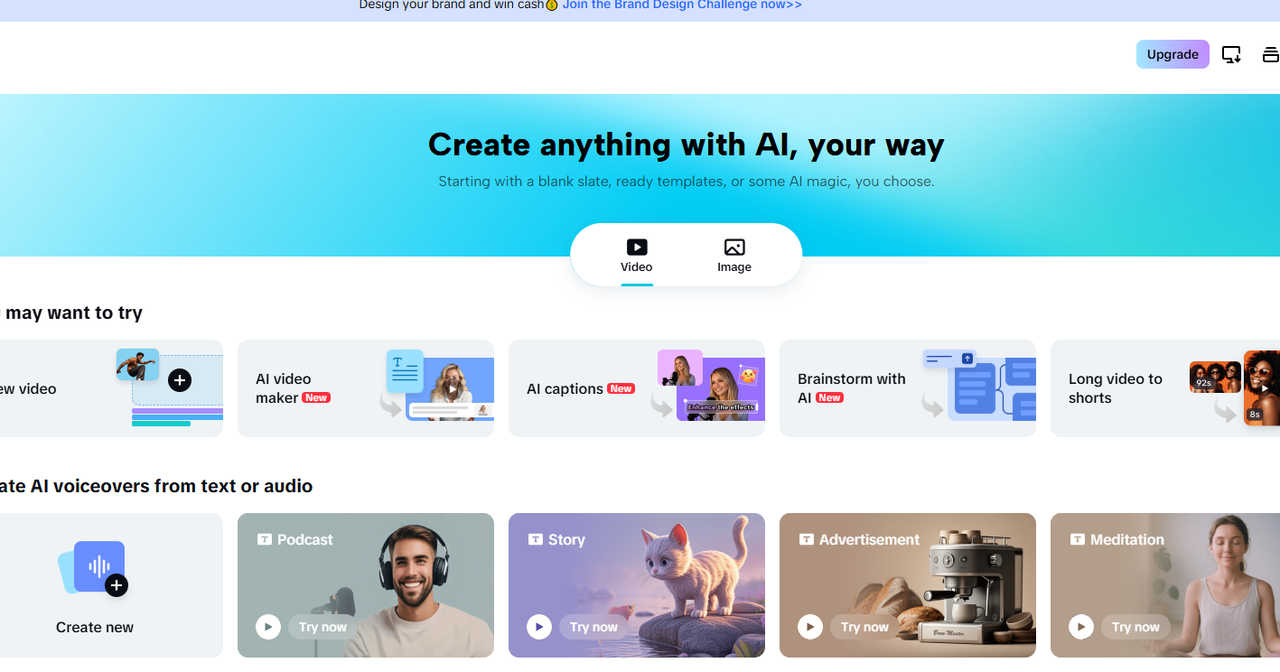
We live in the era of short-form content, and CapCut is the undisputed ruler of that domain. But don't sleep on it for long-form YouTube videos too. It’s packed with AI features that used to take hours to do manually. Want auto-captions that actually look cool? One click. Want to remove a background without a green screen? Done. It’s intuitive, fast, and stays updated with every single trend. If you want to spend less time "working" and more time "creating," CapCut is your best friend.
Somio.ai: Your Personal AI Music Composer
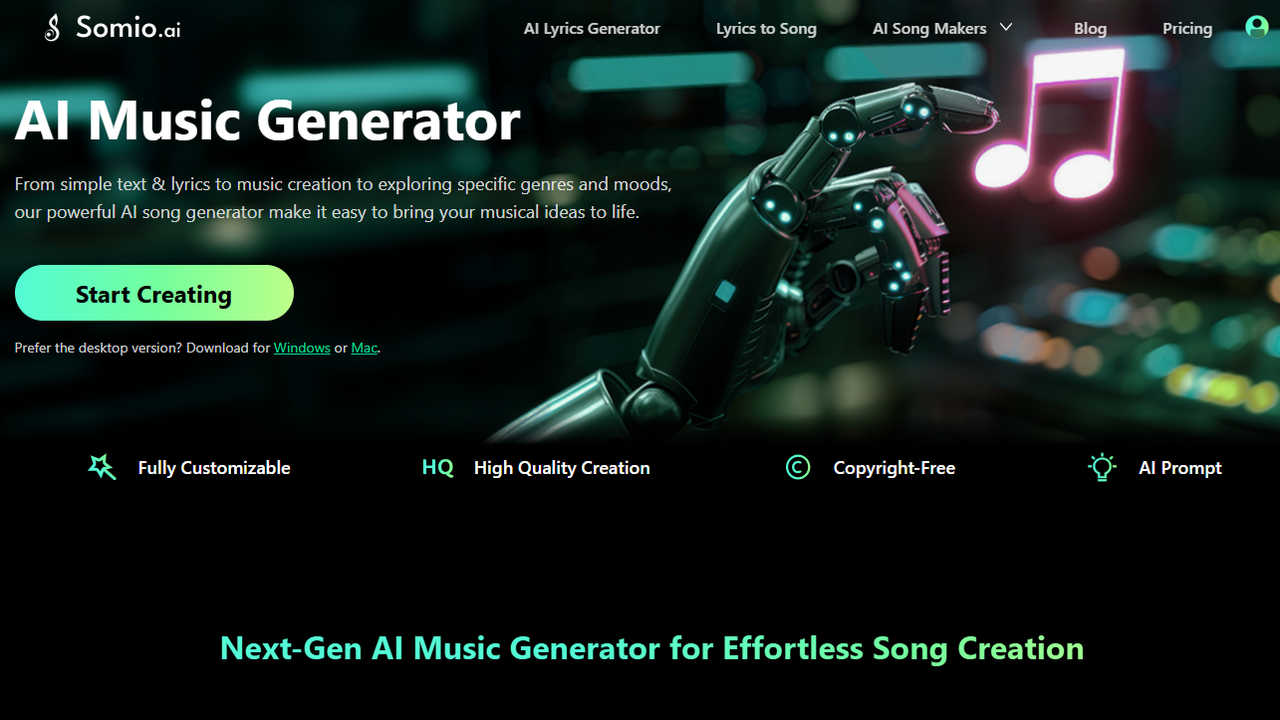
Copyright strikes are the nightmare of every YouTuber. Why risk using a popular song when you can just make your own? Somio.ai is an AI music generator that actually sounds like music. You give it a prompt or a few lyrics, and it crafts a unique track tailored to the vibe of your video. Whether you need a lo-fi beat for a study vlog or an epic orchestral swell for a travel montage, it delivers original, royalty-free tracks in seconds. It’s a complete game-changer for your channel’s "vibe."
Canva: Making Your Thumbnails Pop
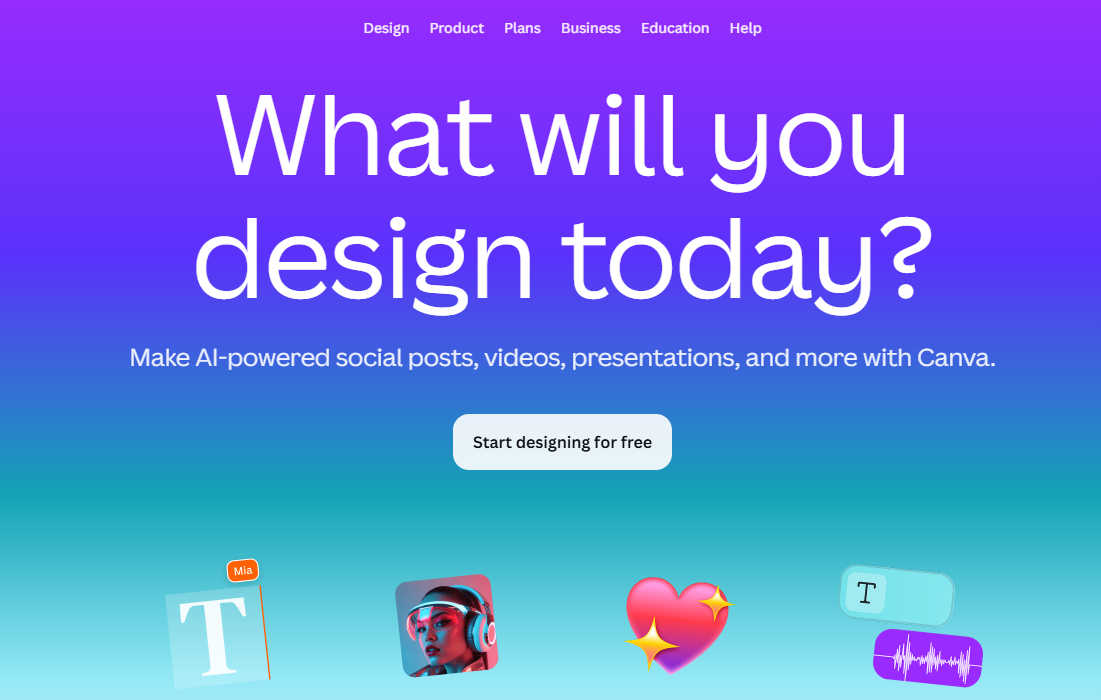
The thumbnail is the "front door" of your video. If it’s ugly, no one is coming in. Canva is the design tool for people who aren't "designers." It’s packed with YouTube-specific templates that are already optimized for the right dimensions. With their drag-and-drop interface, you can add text shadows, remove backgrounds from your selfies, and add "glow" effects that make your face pop. It’s the easiest way to make sure your video doesn't get buried in the feed.
BeeConverter: The Ultimate Swiss Army Knife for Video
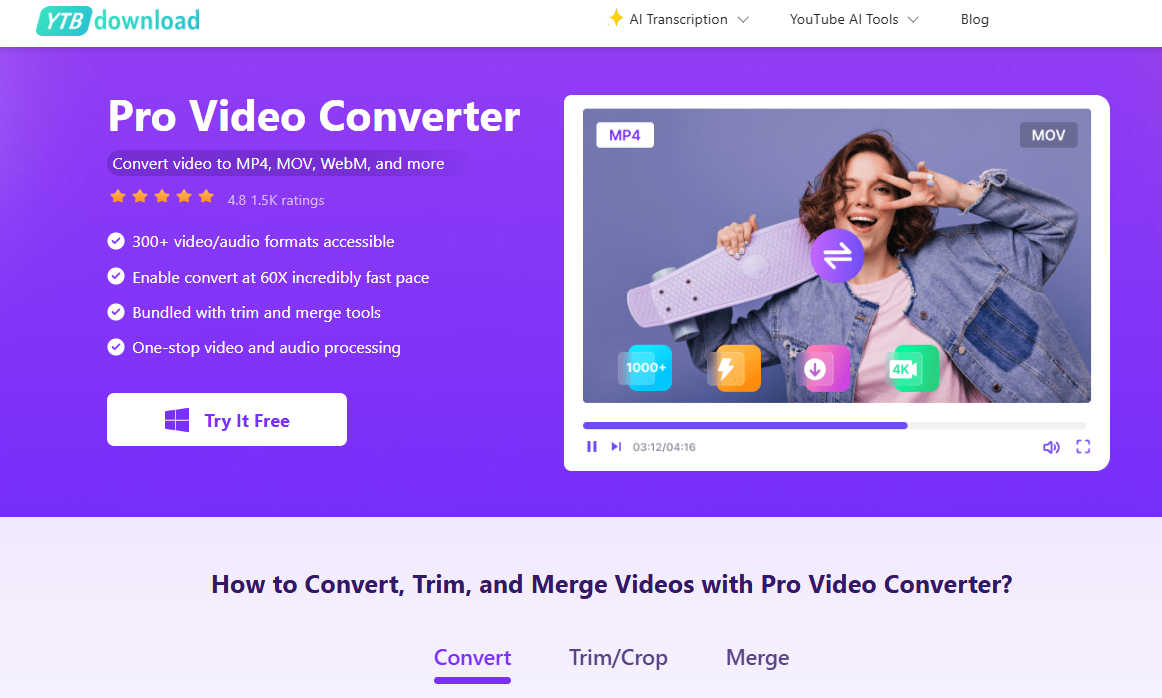
Finally, let’s talk about the tool that saves your sanity when things go wrong: BeeConverter. We’ve all been there. Your file format isn't supported, your video is too big to upload, or you need to merge three clips quickly. This software is a beast. It converts formats in a blink, compresses huge files without making them look like a blurry mess, and handles batch processing like a pro. It’s the "fix-it" tool that every creator needs sitting on their desktop for those "emergency" moments.
Final Thoughts: Choose Your Weapons Wisely
At the end of the day, these tools are just that—tools. They won't make the content for you, but they will clear the path so your creativity can shine. Don't feel like you have to master all of them at once. Pick one that solves your biggest headache today (maybe it’s your boring titles or your messy audio) and start there. The best YouTubers aren't the ones with the most expensive gear. They're the ones who know how to use what they have to tell a story. So, which one are you going to try first?