
6 Best Free TurboScribe Alternatives for Audio Transcription 2026
William Davis | Updated on 2026-04-16
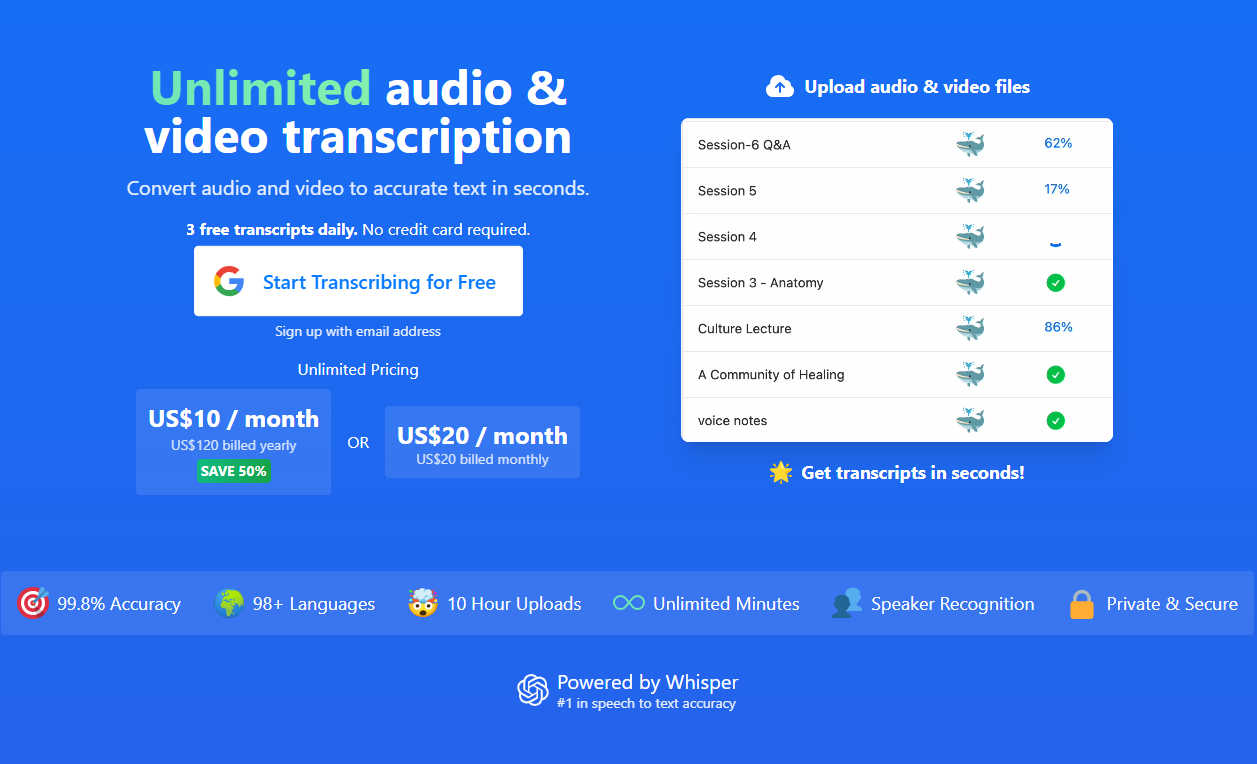
TurboScribe is an AI-powered audio transcription service that has gained traction for its simplicity and its use of the open-source Whisper model. It allows users to transcribe audio to text across 98+ languages, offering a clean dashboard where you can upload files and receive a transcript generator output in a matter of minutes. For many, it serves as a reliable entry-point into the world of AI-driven audio to text conversion because of its straightforward "drag-and-drop" philosophy.
However, even the most popular tools have their ceilings. Many users are now actively seeking a TurboScribe alternative because of noticeable gaps in the user experience. That’s exactly why we’ve rounded up the best tools that offer more flexibility, better features, and higher efficiency without the high price tag.
Contents
- YTB AI Audio to Text Converter – The Ultimate All-in-One Solution (Top Pick)
- Auris AI – The Specialist for Asian Languages & Clean UI
- Happy Scribe – The Veteran in Precision Transcription
- Clipto – Simple, Fast, and Browser-Based
- VEED.IO – More Than Just a Transcript Generator
- AceKits – The Hidden Gem for Efficiency
What Makes TurboScribe Popular
The initial appeal of TurboScribe lies in its simplicity. It offers a decent free tier and uses the Whisper AI model, which many users find reliable for a standard audio to text conversion. It’s accessible, supports many languages, and gets the job done without too much fluff. For a long time, it was the default choice for people who just wanted to transcribe audio to text without a steep learning curve. It felt like a solid, no-frills transcript generator.
The Shortcomings of TurboScribe
However, no tool is perfect. Many users have started hunting for a TurboScribe alternative because of certain limitations. For starters, the free version can feel a bit restrictive once you start dealing with high volumes of data or need specific export formats. Furthermore, the processing speed can occasionally lag during peak hours, and the interface—while functional—lacks some of the integrated "creator features" or advanced collaborative tools that newer platforms offer.
Have you ever felt like you were jumping between three different apps just to get one clean transcript generator result? Or perhaps you found accuracy dipping when dealing with heavy accents? That’s exactly why we’re exploring better, more versatile options today.
Top 6 TurboScribe Alternatives for Audio to Text
Let’s dive into the heavy hitters. These tools aren't just backups; for many users, they have become the primary audio to text converter for their daily tasks.
YTB AI Audio to Text Converter – The Ultimate All-in-One Solution
If you want the crown jewel of efficiency, look no further than the YTB AI Audio to Text Converter. This tool is a powerhouse designed specifically for the modern web environment. While others focus solely on the text, YTB AI understands the context of digital creators, making it our top-recommended TurboScribe alternative.
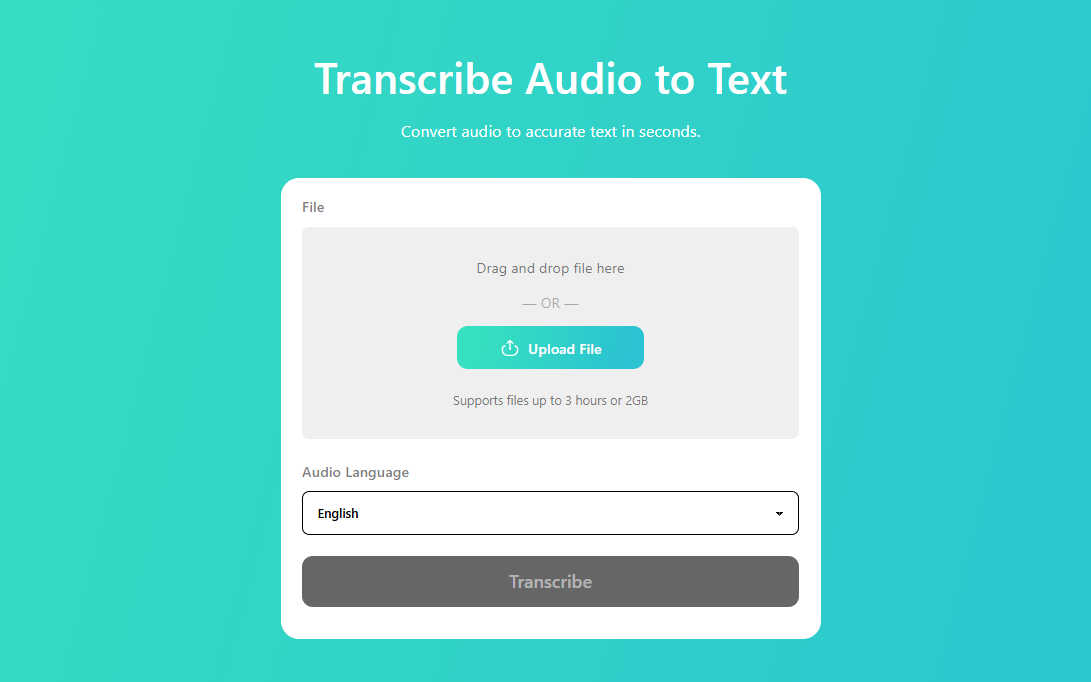
Core Features: This tool excels at converting mp3 to text with blazing speed. It supports a wide variety of formats (MP3, WAV, AAC, etc.) and utilizes a highly optimized AI engine that minimizes errors even in recordings with slight background noise. It’s not just a simple transcript generator; it’s an ecosystem that handles large files with ease, ensuring your audio transcription is ready in minutes rather than hours. Its standout feature is its ability to handle "dirty" audio—recordings with echoes or multiple speakers—with surprising clarity.
Step-by-Step Tutorial:
- • Navigate to the YTB AI Audio to Text page.
- • Upload your file: Simply drag and drop your audio or video file directly into the designated upload box.
- • Language Selection: Select the source language of your audio for maximum accuracy (it supports 100+ global languages).
- • Process: Click "Transcribe" and let the AI perform its deep-learning analysis.
- • Review & Export: Once finished, review the text in the preview window and download your finished text in your preferred format.
Pros & Cons:
- Pros: Extremely fast processing, high accuracy for technical terms, and a very intuitive user interface that requires zero learning curve.
- Cons: Being a web-based audio to text converter, it performs best with a stable internet connection for very large file uploads.
Auris AI – The Specialist for Asian Languages & Clean UI
Auris AI has quickly risen to fame as a top-tier TurboScribe alternative, particularly for users working in diverse linguistic environments.
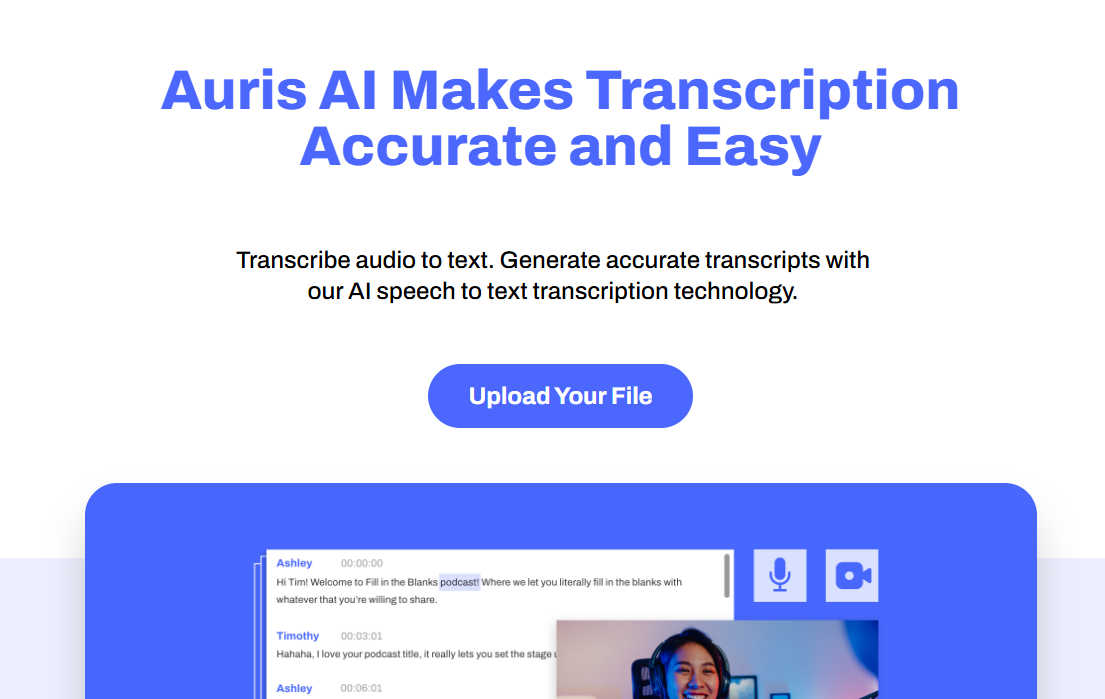
Core Features: Auris AI focuses on localized accuracy. If you need to transcribe audio to text in languages like Japanese, Korean, or Southeast Asian dialects, this is your go-to. It’s a sophisticated audio transcription platform that offers auto-captioning and a very clean, business-oriented dashboard. It’s designed for efficiency, allowing users to sync their audio with the text perfectly.
Step-by-Step Tutorial:
- • Head to the Auris AI transcription portal, sign up for free.
- • Upload your media file. It’s highly versatile with both audio and video formats.
- • Choose the specific language or dialect.
- • The system will generate an initial audio to text draft.
- • Use their unique "Dual Pane" editor to fix any minor errors while listening to the original audio.
Pros & Cons:
- Pros: Exceptional accuracy for Asian languages; very clean, professional interface.
- Cons: The free tier operates on a "minutes-per-month" basis, which might be tight for power users.
Happy Scribe – The Veteran in Precision Transcription
Happy Scribe is a sophisticated audio to text converter that bridges the gap between AI efficiency and human-like precision. It's built for those who value the "final polish."
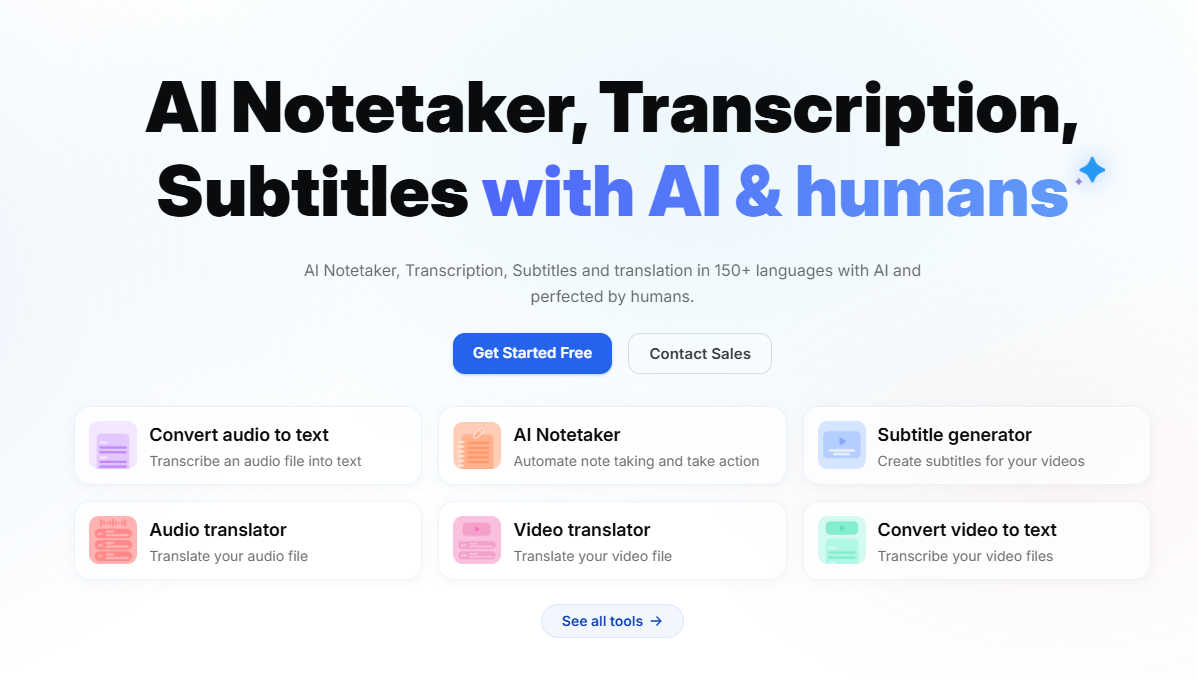
Core Features: What sets Happy Scribe apart is its interactive editor. Once the audio transcription is complete, you can listen back and edit the text simultaneously—the text follows the audio playback! It supports over 120 languages and dialects, making it a fantastic global transcript generator.
Step-by-Step Tutorial:
- • Create a free account on the Happy Scribe platform.
- • Choose "AI Transcription" for the fastest results (it’s much cheaper than their human service).
- • Upload your audio file and wait for the notification.
- • Once the audio to text process is done, use the built-in editor to highlight or timestamp key moments.
- • Export your work to Word, PDF, or specialized SRT files for subtitles.
Pros & Cons:
- Pros: Incredible language support and arguably the best editing interface in the industry.
- Cons: The free tier is essentially a trial, meaning you'll eventually need to pay for heavy, recurring usage.
Clipto – Simple, Fast, and Browser-Based
Sometimes you don't want a full dashboard; you just want to transcribe audio to text right now. Clipto is the minimalist’s dream.
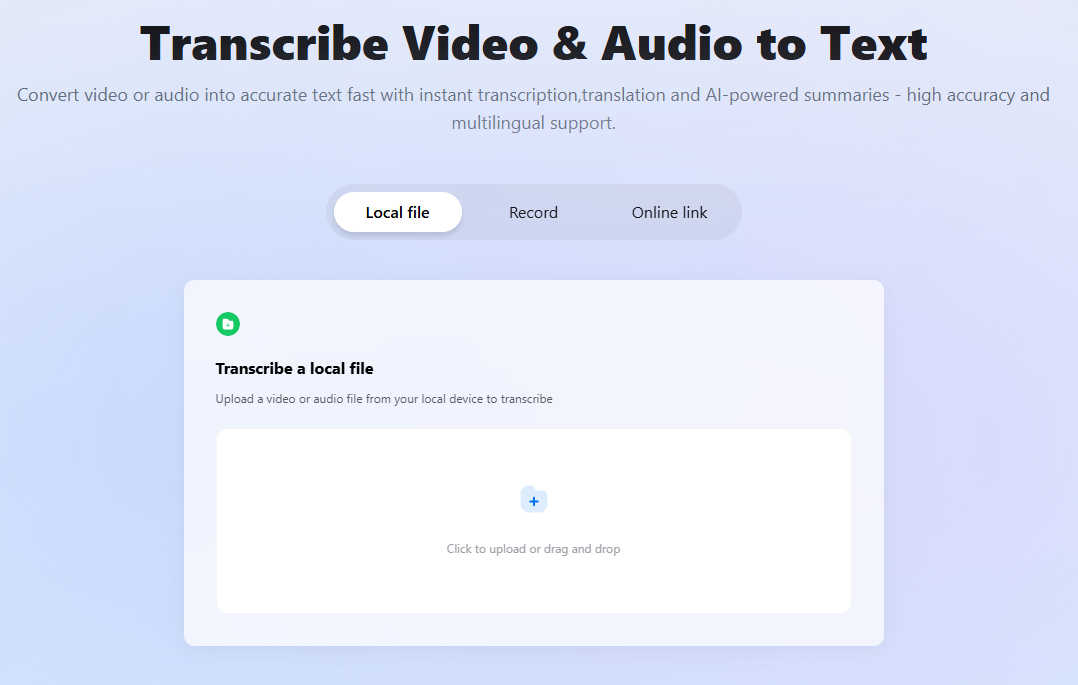
Core Features: Clipto is a web-based audio to text tool that prides itself on speed. It’s perfect for converting small files or quick voice memos from mp3 to text. It’s clean, lightweight, and doesn’t overwhelm you with unnecessary settings. It’s the definition of a "quick-fix" TurboScribe alternative.
Step-by-Step Tutorial:
- • Go to the Clipto transcription web page.
- • Click the upload button to select your file from your local drive.
- • Wait a few moments (usually seconds for short clips) for the AI to process the audio transcription.
- • Copy the text directly to your clipboard or download the raw text file.
Pros & Cons:
- Pros: No complex account setup required for basic tasks; incredibly fast for short clips.
- Cons: Lacks advanced features like speaker diarization (knowing who is speaking) found in more robust tools.
VEED.IO – More Than Just a Transcript Generator
If you are a video editor or social media manager who occasionally needs to transcribe audio to text, VEED.IO is a total game-changer.
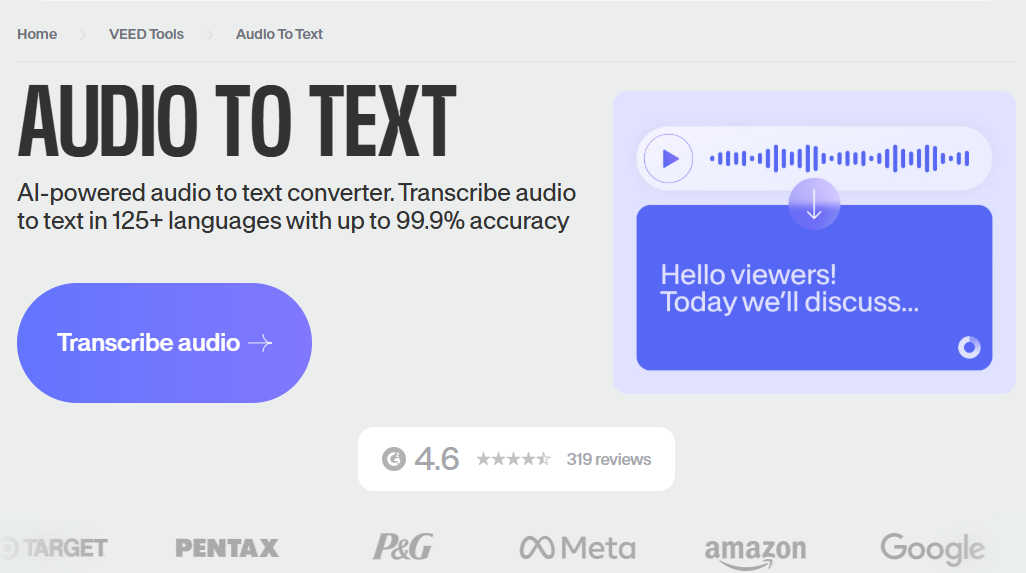
Core Features: VEED’s audio to text converter is built directly into its powerful video editing timeline. This means you can generate subtitles and a full transcript at the same time. It’s the perfect TurboScribe alternative for those who want to turn their podcasts into captioned social media clips or YouTube Shorts.
Step-by-Step Tutorial:
- • Open the VEED editor and upload your video or audio file.
- • Select "Auto Transcribe" and pick your language.
- • Review the generated text directly on the video timeline to ensure timing is perfect.
- • Download the transcript as a .txt file if you only need the text.
Pros & Cons:
- Pros: Perfect for social media creators; the "hardcoding" of subtitles is a huge time-saver.
- Cons: The interface can feel a bit "heavy" , and there is a certain learning curve involved in using this tool.
AceKits.ai – The Hidden Gem for Efficiency
AceKits.ai is a rising star in the AI tool world, offering a no-nonsense approach to the transcript generator market.
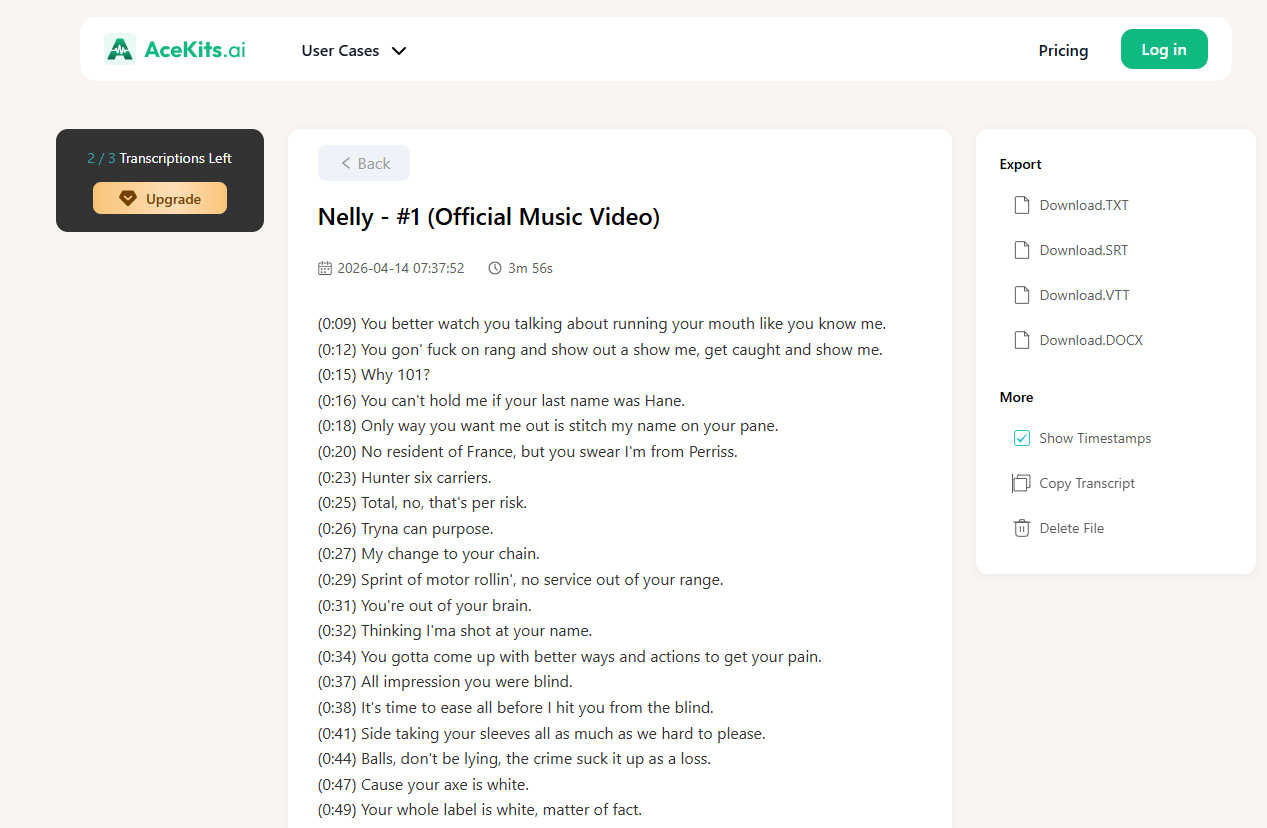
Core Features: AceKits focuses on a streamlined, "barebones-but-powerful" workflow. It’s designed to handle audio transcription without any of the extra bloat that slows down your browser. It provides a very clean output that requires minimal formatting, making it a solid choice for converting mp3 to text for meeting notes or university lectures.
Step-by-Step Tutorial:
- • Visit the AceKits official website.
- • Upload your audio file (works great with MP3/WAV/M4A/AAC).
- • Hit "Generate" to start the audio to text process.
- • Preview and save your results to your device.
Pros & Cons:
- Pros: Very straightforward and less cluttered than the bigger commercial platforms.
- Cons: Fewer upload formats options compared to Turboscribe.
Conclusion: Choosing the Right Audio to Text Converter for Your Needs
Summary Comparison of the Top Picks
When it comes to finding the perfect TurboScribe alternative, your choice depends on your "flavor" of work.
- • If you are looking for the most balanced, fast, and creator-friendly experience, the YTB AI Audio to Text Converter is the clear winner for 2026.
- • If you need to transcribe audio to text in niche languages, Auris AI is the standout.
- • For heavy-duty editing and human-like precision, AceKits.ai is your best bet, while VEED.IO wins for video-centric projects.
Final Thoughts on the Future of AI Transcription
The technology behind transcribe audio to text services is moving at light speed. We are reaching a point where AI isn't just hearing words; it's understanding intent and context. Whether you're turning an MP3 to text for a blog post or using an audio to text converter for legal documentation, the barriers to entry have never been lower. Don't settle for a tool that makes you work harder—find one that works for you. Isn't it time your software started doing heavy lifting?