
AI Speech to Text Converter
Convert your spoken words into structured files in 100+ languages
- 99% positive user reviews
- Ultra-high recognition accuracy
- Supports 100+ languages
- Privacy and Security
How to Transcribe Speech to Text?
-
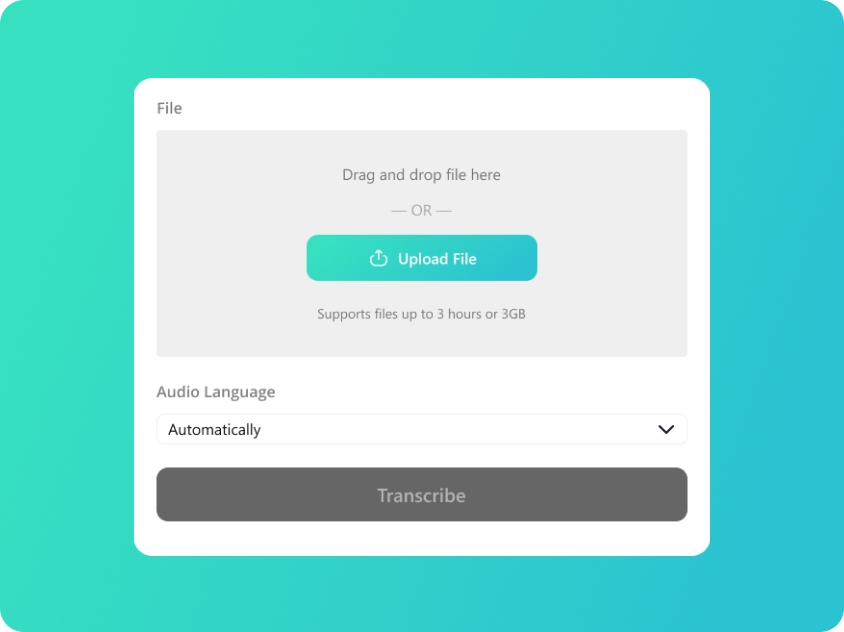
Upload Your Speech Audio
Upload or drag and drop your speech files; we support audio in MP3/WAV/M4A/AAC.
-
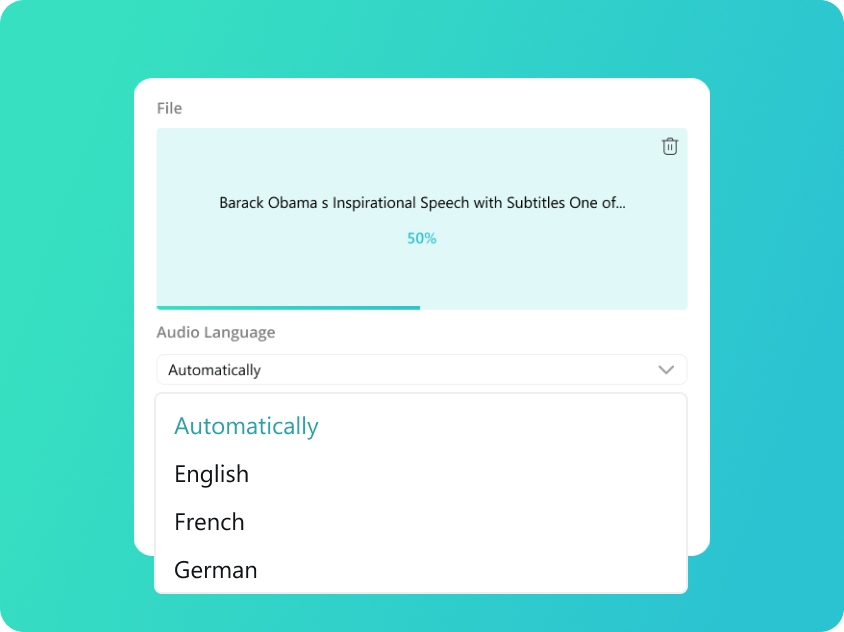
Select Speech Language
We will automatically detect your audio language. You can also manually select from 100 supported languages for better accuracy.
-
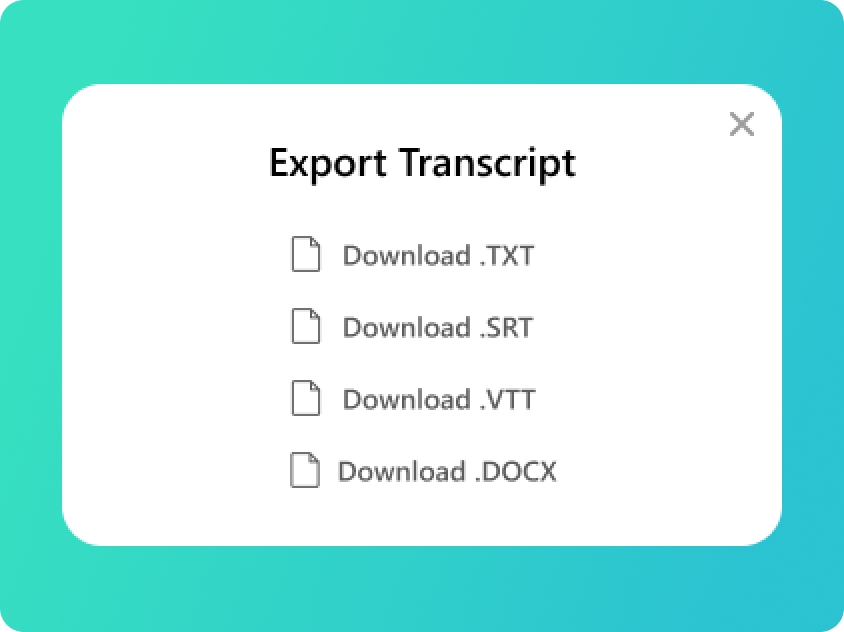
Transcript Speech to Text
You will get your transcript in minutes. Check the text and export as TXT,SRT,VTT or DOCX as you need.
Upload Your Speech Audio
Upload or drag and drop your speech files; we support audio in MP3/WAV/M4A/AAC.
Select Speech Language
We will automatically detect your audio language. You can also manually select from 100 supported languages for better accuracy.
Transcript Speech to Text
You will get your transcript in minutes. Check the text and export as TXT,SRT,VTT or DOCX as you need.
Key Advantages of Our AI Speech to Text Tool
-
High-Accuracy AI Speech to Text
Our speech to text AI is specially trained to filter out background echoes and crowd noise. Even recordings from Grand Halls or via long-distance microphones achieve up to 99% accuracy.
-
Fast & Reliable Audio Transcription
Save hours of manual labor. Our audio transcription service processes long speech to text in minutes, allowing you to focus on speech analysis rather than tedious typing.
-
Pixel-Perfect Synchronization
Every word and sentence comes with millisecond-level timestamps. Effortlessly export your transcripts as SRT or VTT files to generate perfectly synced subtitles for your speech videos in one click.
-
Enterprise-Grade Privacy & Security
Your data is for your eyes only. Unlike manual services that involve human listeners, our audio transcriber is fully automated. Your files are processed by AI and can be deleted permanently at any time.
-
Versatile Audio to Text Converter
More than just a simple tool, our audio to text converter supports various formats like MP3, WAV, and M4A, giving you total flexibility over your source files.
-
Support for 100+ Languages and Accents
Whether it’s a multilingual keynote at an international conference or a speech featuring strong regional accents, our AI recognizes 100+ languages and diverse dialects with pinpoint accuracy.
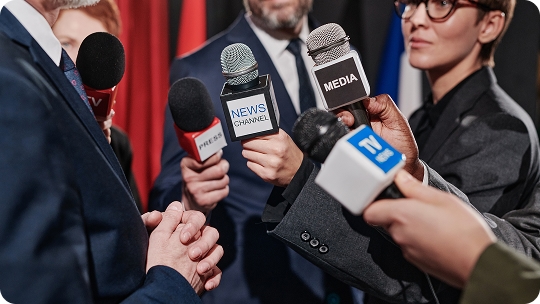
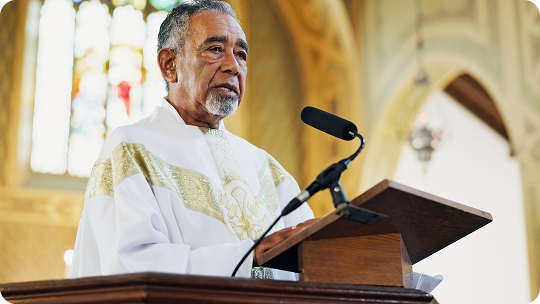
Capture Every Word of Your Keynote
- Content Repurposing
- Event Archiving
- Performance Analysis
- Sermon Digitization

Manual Transcribe vs. AI Speech to Text
Manual Transcription
Time Consumption
A 1-hour recording typically takes 4 to 6 hours to type out manually.
Constant Replaying
Requires frequent pausing and rewinding to catch every word or speaker change.
Manual Formatting
You must manually type out timestamps and speaker labels, adding hours to the process.
Workflow Interruption
Your entire focus is tied to the audio; you cannot perform other tasks while transcribing.
Text to Speech AI
Lightning Speed
Transcribe a 1-hour or longer audio to text in less than 5 minutes.
Instant Recognition
AI speech to text converter processes the entire file at once, identifying speech patterns instantly.
Auto-Timecoding
Timestamps are generated automatically and precisely by audio transcriber AI.
Improve Efficiency
Upload your file and let the audio to text converter do the job while you focus on more important work.
Frequently Asked Questions About Speech to Text
-
What is speech to text?
Speech to text is an AI-powered technology that recognizes spoken language and converts it into written text. Using advanced machine learning algorithms, our audio to text converter analyzes vocal patterns, accents, and context to deliver highly accurate transcripts for speeches, meetings, and more.
-
How to use speech to text?
It’s simple! Just upload your audio or video file to our platform, select the original language, and our audio transcriber will process the file instantly. Once finished, you can edit the text and export it as an SRT, DOCX, or TXT file.
-
How accurate is the AI in transcribing different accents?
Our speech to text AI is trained on a vast dataset of diverse global accents and dialects. While clarity of the original audio materials, our AI excels at maintaining high accuracy even for non-native speakers and various regional English accents.
-
What file formats can I export after transcribing speech to text?
We support all major professional formats. After the audio transcription is complete, you can download your file as SRT or VTT for subtitles, or DOCX and TXT for documents and articles.
-
Is my uploaded audio data secure?
Yes, your privacy is our priority. All files uploaded for audio to text conversion are encrypted and processed automatically by AI. We do not share your data with third parties, and you can delete your files from our server at any time.
Rate Us Now!
Show your love by giving 5 stars!
Don't forget to share the free online transcription tool with your friends!
1.1K reviews
Last updated: 2026-02-10