

How to Tag Your Youtube Video to Skyrocket Your Views
William Davis | Updated on 2026-03-06
You just spent ten hours grinding in the editing suite. You hit "Publish," and then... nothing but the sound of crickets. It’s a total gut punch, right? Most creators think a flashy thumbnail is the only way to win, but they’re leaving massive views on the table. If you aren't tagging your videos with intent, you’re basically shouting into a void. Let’s change that.
Contents
Do YouTube Tags Even Matter Now?
Tags aren't the undisputed kings they were a decade ago. YouTube’s neural networks are now scary good at "watching" your footage to understand the context. So, are tags dead? Not a chance. Think of tags as a high-visibility insurance policy. They provide the metadata safety net that your title and description might miss. They are the digital breadcrumbs you leave to lead the algorithm straight to your content.
The "Misspelling" Secret Weapon
Here is a dirty little secret the "gurus" won't tell you: people suck at typing. If your video is about "Entrepreneurship," someone is definitely typing "Enterprenurship" into that search bar. By including common typos in your tags, you snag that "clumsy" traffic your competitors are too proud to touch. It’s a back-door entrance to the top of the search results.
Helping the Algorithm Find Your Tribe
YouTube’s singular goal is to keep people on the platform. If your tags are sharp and focused, you’re making the algorithm’s job easy. When the algorithm stops guessing and starts knowing who your audience is, your impressions go up. Why make the machine work harder? Give it exactly what it needs.
How to Tag Your YouTube Videos: The Step-by-Step Blueprint
Don't just spray and pray with random words. You need a surgical strategy. If you treat your tags like an afterthought, the platform will treat your reach like an afterthought.
Step 1: Start with Your Primary Keyword
Your very first tag must be your target keyword. This is the "Big Kahuna." If you’re posting a sourdough bread tutorial, your first tag is "sourdough bread tutorial." Full stop. This signals the primary topic to YouTube before it even processes the rest of your metadata.
Step 2: Sprinkle in the Variations
Next, think like a human, not a bot. People search for "how to make sourdough" or "easy sourdough recipe for beginners." These are your long-tail lifelines. Use these natural variations to cast a wider net and catch viewers who phrase their questions differently.
Step 3: Use Broad Category Tags
Finally, zoom out. What’s the big-picture niche? If you’re baking, your broad tags should be "baking," "cooking," or "food." This helps YouTube bucket your video into the right neighborhood, ensuring you show up in the "Suggested" sidebar of similar creators.
The Lazy Genius Way: Using the YTB AI Tag Generator
Brainstorming fifty tags is a soul-crushing chore. Your time is way too valuable to be spent staring at a blinking cursor. This is where you work smarter, not harder.
Why Waste Time? Let AI Do the Heavy Lifting
Why guess what works when you can use a tool that eats data for breakfast? This is where the YTB Tag Generator becomes your secret weapon. It’s a specialized AI engine designed for one thing: visibility. It scans the current YouTube ecosystem and hands you the winning tags on a silver platter.
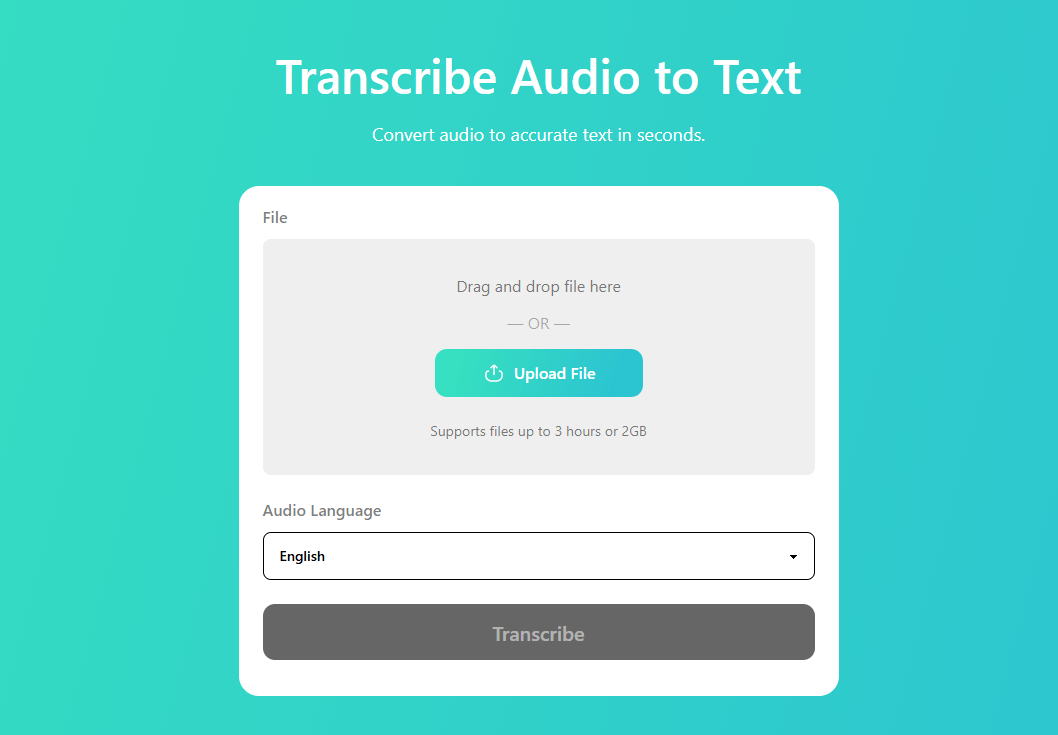
How to Use YTBDownload for Instant Results
The beauty of this tool is how ridiculously simple it is. No data science degree required. Just head to the site, paste your video title or a couple of core keywords into the box, and fire away. It instantly spits out a curated list of high-performing, relevant tags. Copy, paste, and get back to making your next viral hit. It’s the ultimate shortcut for creators who actually value their time.
Common Mistakes That Are Killing Your Reach
Even the pros mess this up. Avoid these two traps and you’ll instantly outpace 90% of the channels in your niche.
The "Tag Stuffing" Trap
More is not always better. Jamming 500 characters of unrelated keywords into the box is a one-way ticket to being flagged as spam. YouTube’s AI hates clutter. Stick to 10-15 tags that actually describe what’s happening on screen. Quality beats quantity every single time.
Irrelevant Tags: The Fast Track to Nowhere
Tagging "MrBeast" when you’re doing a gardening vlog won't help you grow. Sure, you might get a stray click, but that viewer will bounce in three seconds when they realize they’ve been baited. This tanks your "Average View Duration," which is essentially the kiss of death for your channel’s health. Stay honest.
Pro Tips for Maximum Visibility
Audit the Competition: See what the heavy hitters in your niche are doing. Don't copy them, but study their patterns.
Keep it Fresh: Trends shift. If an old video is losing steam, try refreshing the tags to match current search habits.
Don't Overthink It: Spend ten minutes on your tags, not two hours. Use the tool, verify the fit, and move on.
The Secret Pre-Upload Step: Polishing Your Files
Before we even talk about tags, let's talk about the file you're actually uploading. You can't rank if your video is a bloated, unoptimized mess that takes five hours to upload. This is where BeeConverter enters the chat.
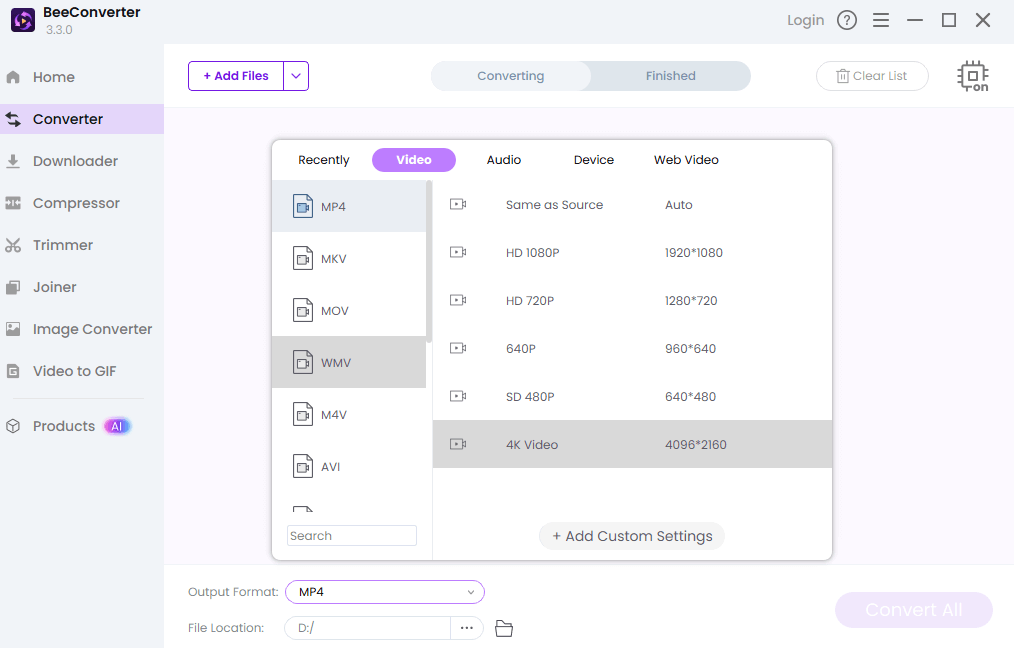
Think of BeeConverter as your video’s personal trainer. Need to swap a heavy MOV file for a lean, mean MP4? It handles video conversion in seconds without losing an ounce of quality. Got a 20-minute rant that needs to be a 10-minute masterpiece? Use the trimming and merging tools to cut the fluff and keep your viewers hooked. It even has a powerful compression feature to shrink file sizes so you aren't fighting your internet connection all day. A clean, well-formatted file is the foundation of a professional channel. Don't skip the prep work.
Conclusion: Your Roadmap to More Views
Tagging isn't some dark magic, but it is a critical piece of the YouTube growth puzzle. By pairing a smart manual strategy with the raw power of the YTB Tag Generator, you give your content the oxygen it needs to go viral. Start with your primary keyword, layer in the variations, and keep every single tag relevant. Now, stop reading and go optimize those uploads! Your subscribers are waiting for you to be found.
Frequently Asked Questions
How many tags should I actually use for my video?
YouTube caps you at 500 characters, but don't feel pressured to use them all. Aim for 10 to 15 highly specific tags. This keeps your metadata "clean" and tells the algorithm exactly what your niche is.
Is it possible to get banned for using the wrong tags?
You won't get banned for a few mistakes, but "tag stuffing" (using hundreds of irrelevant words) can lead to your video being suppressed or flagged as spam for violating YouTube’s metadata policies.
Should I put my tags in the video description box?
Never! That’s a violation of YouTube’s Terms of Service known as "metadata stuffing." It can lead to your video being taken down. Always keep your tags in the designated tag field.
How often should I go back and update my video tags?
If a video is already performing well, don't touch it. However, if an older video has stopped getting views, a quick refresh of the tags using the latest search trends can often give it a much-needed second life.