
Add Subtitle to Video Online
Effortlessly add subtitles to videos with AI power
- 99% positive user reviews
- Ultra-high recognition accuracy
- Supports 100+ languages
- Privacy and Security
How to Add Subtitle to Video Online?
-
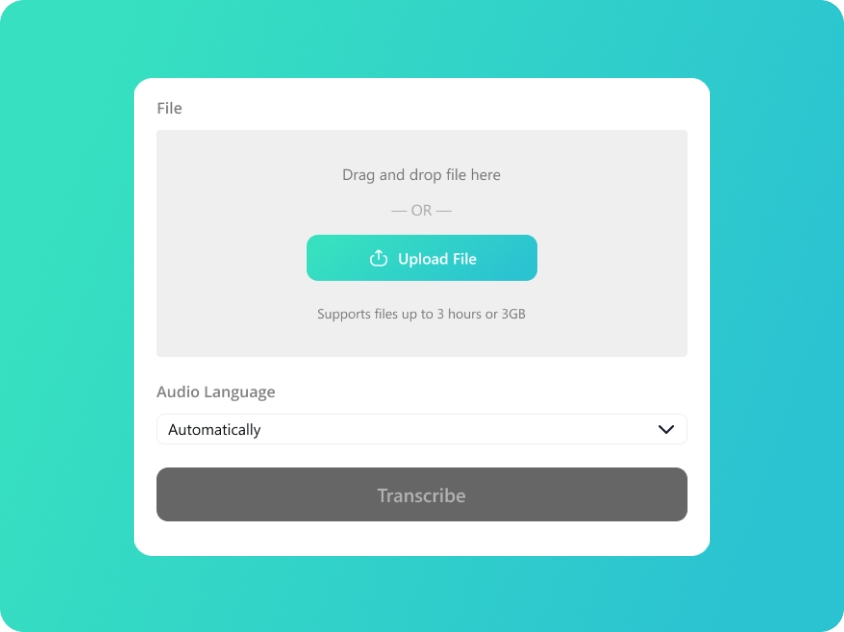
Upload Your Audio
Upload or drag and drop your audio files; we support audio in MP3/WAV/M4A/AAC.
-
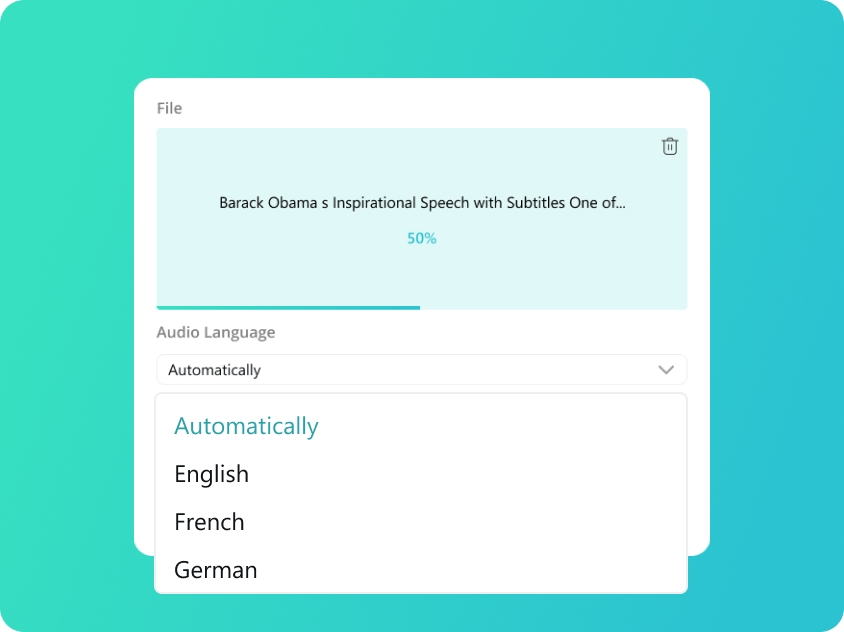
Select Subtitle Language
We will automatically detect your audio language. You can also manually select from 100 supported languages for better accuracy.
-
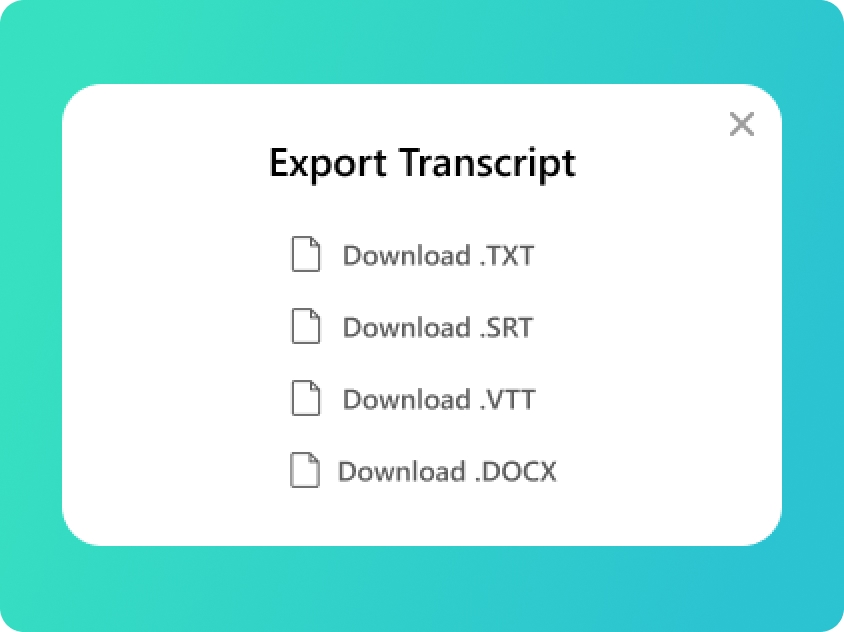
Transcript Audio to Subtitle
You will get your transcript in minutes. Check the text and export as SRT and VTT subtitle files, or TXT and DOCX as you need.
Upload Your Audio
Upload or drag and drop your audio files; we support audio in MP3/WAV/M4A/AAC.
Select Subtitle Language
We will automatically detect your audio language. You can also manually select from 100 supported languages for better accuracy.
Transcript Audio to Subtitle
You will get your transcript in minutes. Check the text and export as SRT and VTT subtitle files, or TXT and DOCX as you need.
Maximize Video Impact with AI Captions
-
High-Fidelity Audio Recognition
Even with background music or low-quality audio, our AI subtitles generator filters noise to capture every word. It excels at recognizing technical terms and rapid-fire speech, ensuring your auto captioning is accurate from the first draft.
-
Slash Your Editing Time
Stop manually syncing text to audio. Our subtitle generator handles the timing for you. The generated text comes with a precise timeline. letting you add subtitles to video in seconds instead of hours of tedious manual labor.
-
Global Language Support
No matter what language your video is in, our AI subtitles can handle it. We support the recognition of over 100 languages and dialects, allowing you to add subtitles to video for local audiences worldwide with unmatched native-level accuracy.
-
Precision Sync with Millisecond Accuracy
No more lagging text. Our AI ensures that when you add subtitles to video, every word aligns perfectly with the speaker’s voice, providing a professional and seamless viewing experience. Enhance the appeal and quality of your videos
-
Multi-Format Support for All Platforms
Whether you need to burn subtitles into the video or export SRT/VTT files, or export TXT and DOCX plain text files for other purpose. Our AI subtitles generator handles it all for you. Be ready for any platform's requirements with a single export.
-
Seamless Integration with Editing Software
Our exported AI subtitles are fully compatible with major editing tools like Adobe Premiere Pro, Final Cut Pro, and CapCut. Get the SRT/VTT file with timing and text right here, then import the file into your favorite editor for final creative touches.
Bridge Communication Gap with AI-Powered Subtitles
- Video Localization
- Webinar Events
- Educational Video
- Commercial Ads

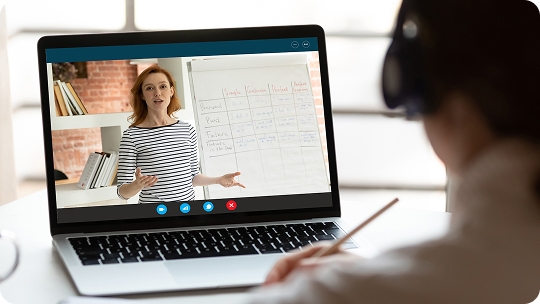

Manual vs. AI: Revolutionize Your Video Workflow
Manual Video Captioning
Labor Intensive
Spending hours listening, typing, and manually dragging text blocks to align with audio.
Syncing Errors
High risk of "subtitle lag" where text doesn't match the speaker, ruining the viewer experience.
High Fatigue
Constant rewinding and re-typing leads to editing burnout, especially for long-form content.
Language Limitations
Struggling to accurately transcribe and time-stamp languages you aren't 100% fluent in.
Complex Re-editing
If the audio changes slightly, you have to manually shift every single subtitle block again.
AI Auto Captioning
Instant Generation
Add subtitles to video in minutes. The AI does heavy lifting while you focus on creativity.
Perfect Timing
Millisecond-level synchronization ensures your AI subtitles are always perfectly in-sync with the voice.
Effortless Flow
Avoid the "rewind-replay" loop. Review a completed draft and make quick edits in a simple interface.
100+ Language Support
Leverage professional auto captioning for over 100 languages, expanding your reach instantly.
Dynamic Flexibility
Export industry-standard files (SRT/VTT) that can be easily updated or swapped across platforms.
Frequently Asked Questions About Add Subtitle to Video
-
How to add subtitles to video automatically?
To add subtitles to video using our tool, simply upload your audio track of the video to our video subtitle generator, select the original language spoken, and let AI do the rest. Within minutes, you’ll have a professional subtitle file ready for download.
-
What video languages do you support?
Our AI subtitles generator is incredibly versatile, supporting the recognition of over 100 languages and dialects. From English and Spanish to Mandarin and more, we ensure high-accuracy auto captioning for creators worldwide.
-
Can I export the subtitles for YouTube or Premiere Pro?
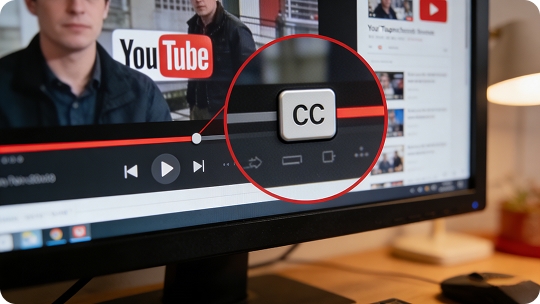
Yes! You can export your captions in SRT or VTT formats. These files are industry standard and can be uploaded directly to YouTube as CC or imported into software like Premiere Pro for further styling.
-
How accurate is the AI in noisy videos?
Our video subtitle generator uses advanced noise-reduction algorithms. It can effectively isolate speech from background music or ambient noise to provide highly accurate AI subtitles, though clear audio always yields the best results.
Rate Us Now!
Show your love by giving 5 stars!
Don't forget to share the free online transcription tool with your friends!
1.0K reviews
Last updated: 2026-02-11